
Image Component
What is the Image Component?
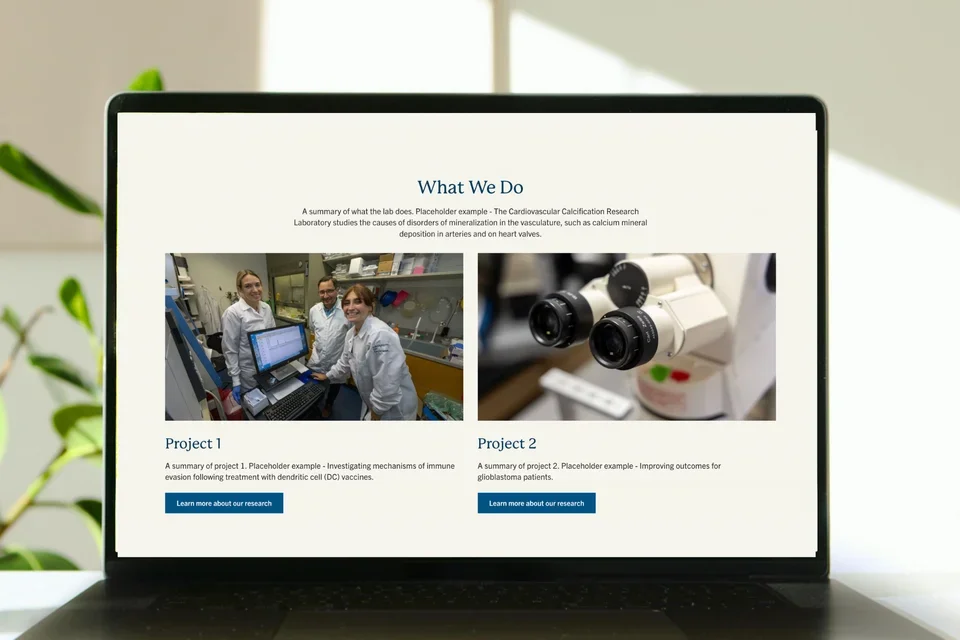
The Image Component displays an image within the layout that automatically scales to fit the width of its column.

Step-by-Step Instructions
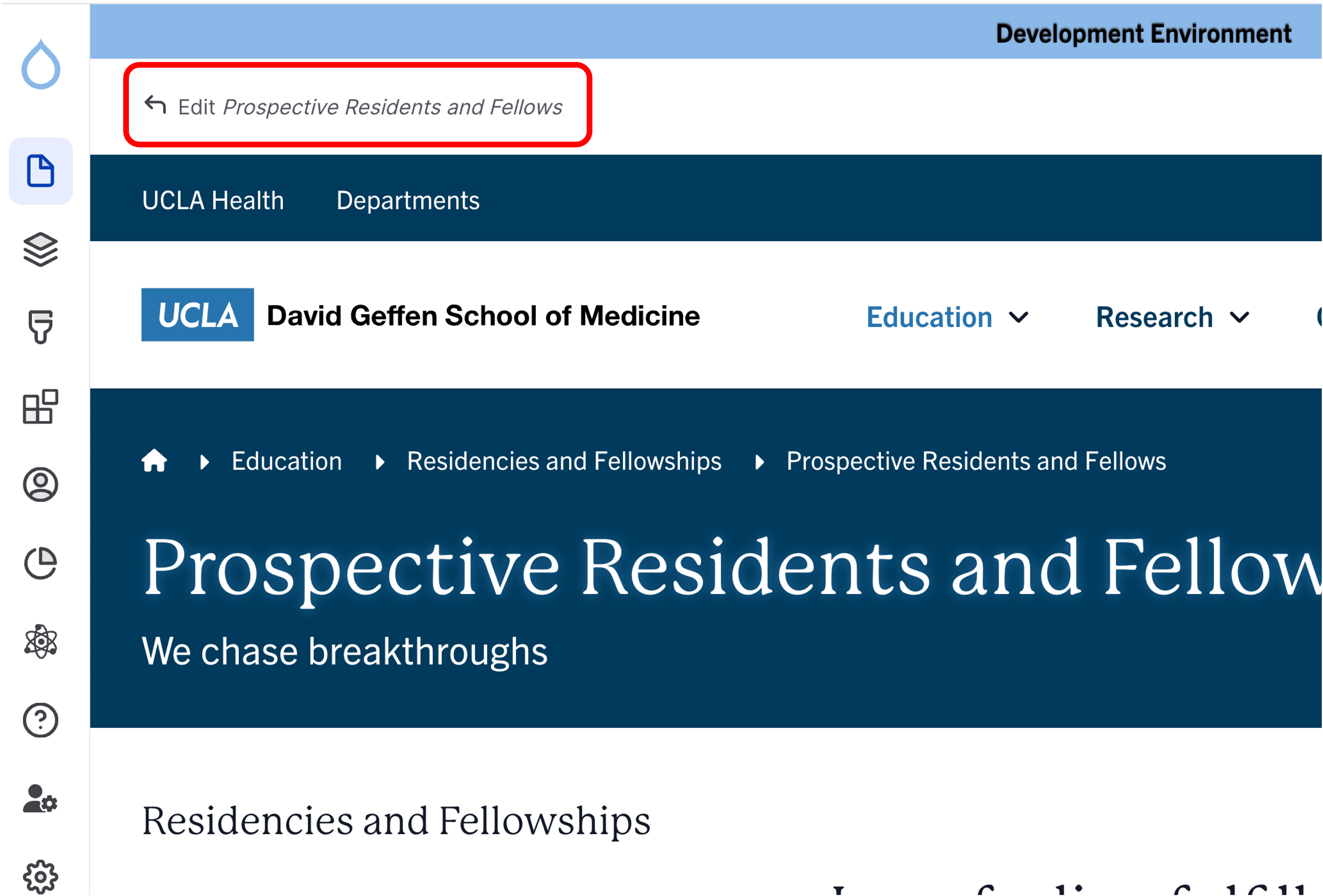
- Click the edit link at the top of the page
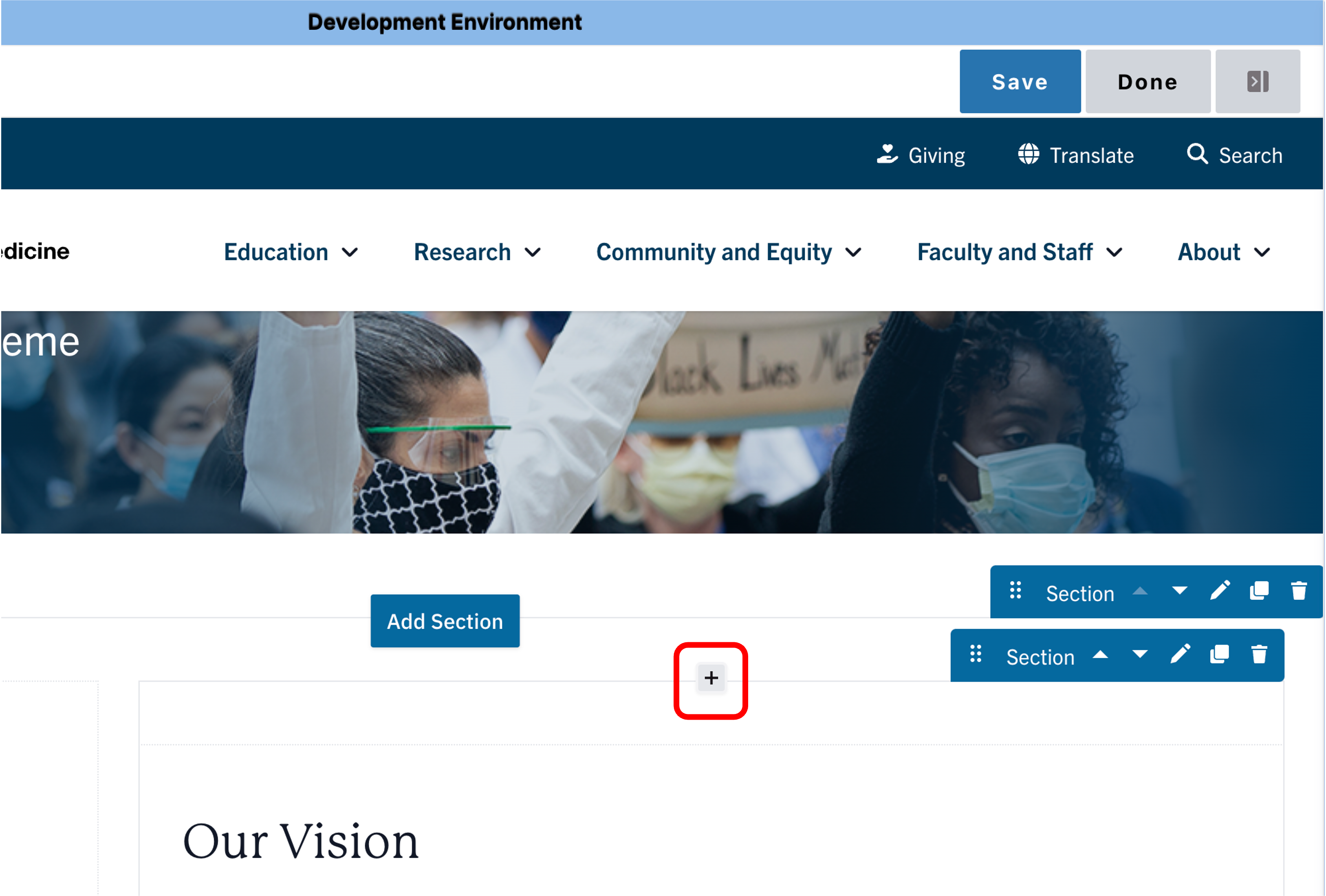
- Move your cursor where you want to place the component.
- Click the plus icon.
- Select Image from the menu

Content
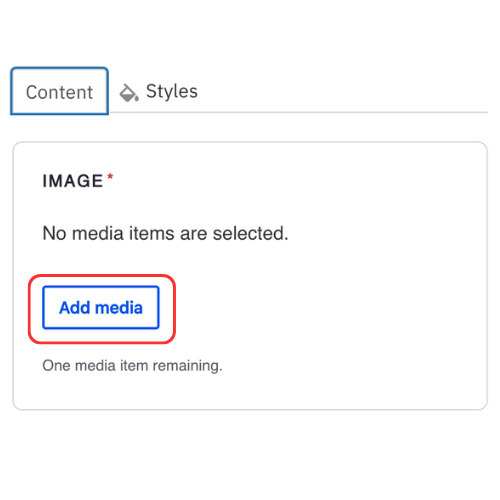
- Click Add media.
- Select the appropriate image or upload the image to the Image Library.
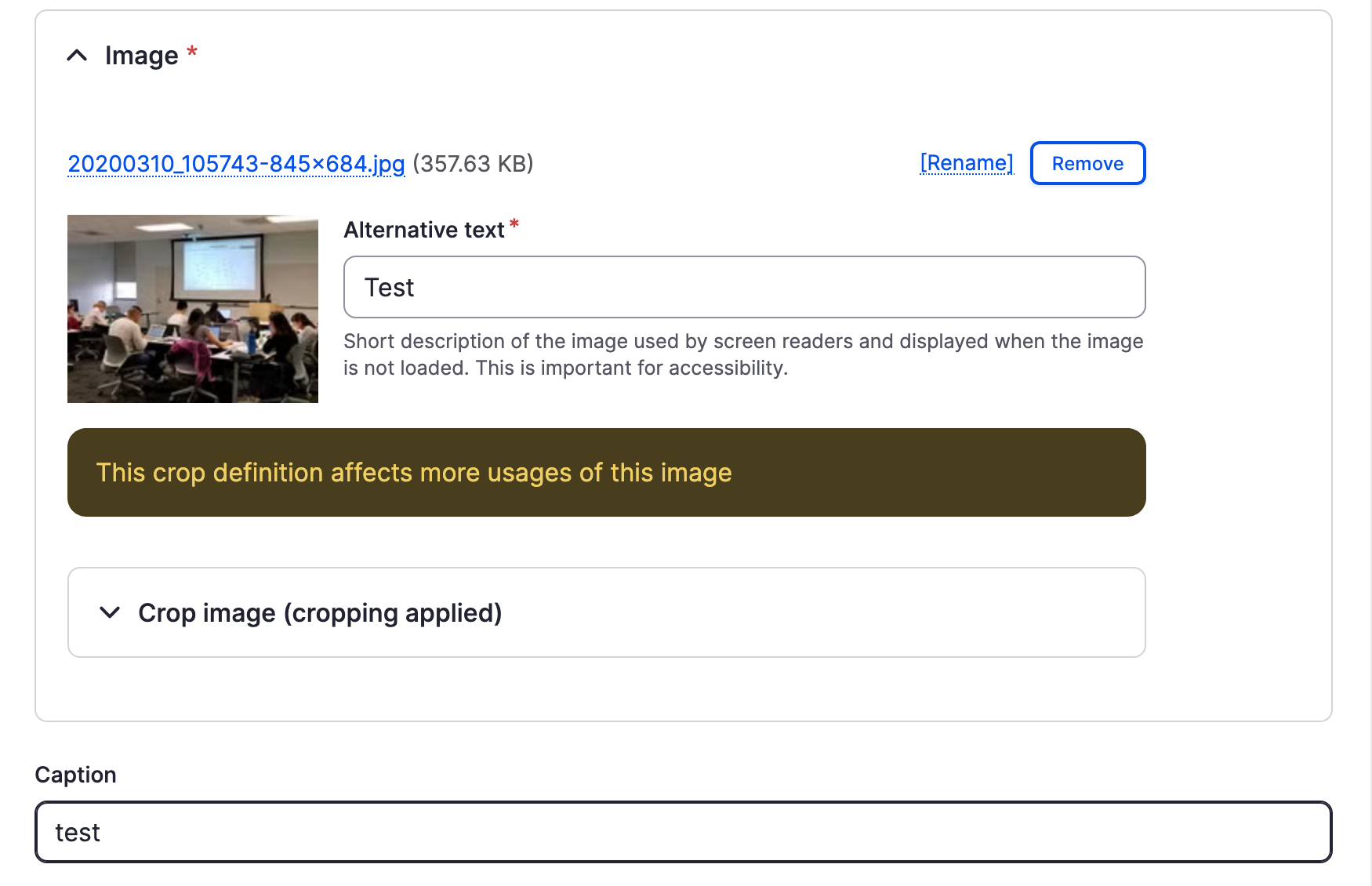
Recommended Image Dimensions: 3:2 - Maximum image size is 4MB - Once the image is added, select the Edit icon to adjust the image cropping, alternative text, or caption.
Alt Text
Alt text must be concise, descriptive, and meaningful, without phrases like "image of". Make sure alt text meets our Web Accessibility Policy
- Add or update current Alt Text of the image
Crop Image
Note: Crops apply to all existing usages of the image.
- Expand the Crop Image accordion
- Review the image preview for each aspect ratio
- Adjust the blue lines on the image to include the main focal point
- Scroll to the bottom of the page and click Save.
- You can select the aspect ratio and image size in Styles (see instructions below)
Caption
Note: Captions will display on all existing usages of the image.
- Add a caption to display important information about the image and photo credit
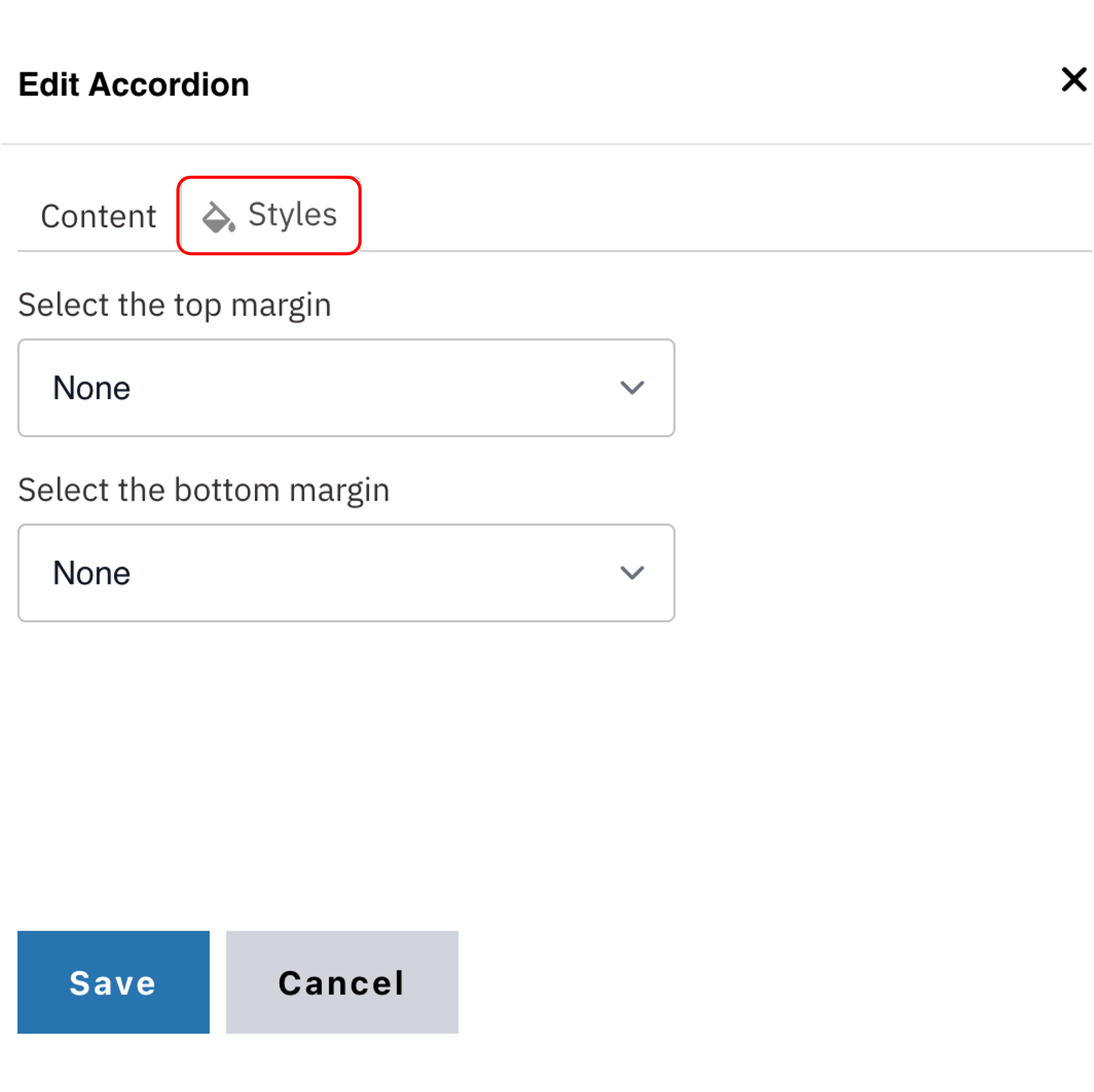
Styles
- Toggle to the Styles tab.
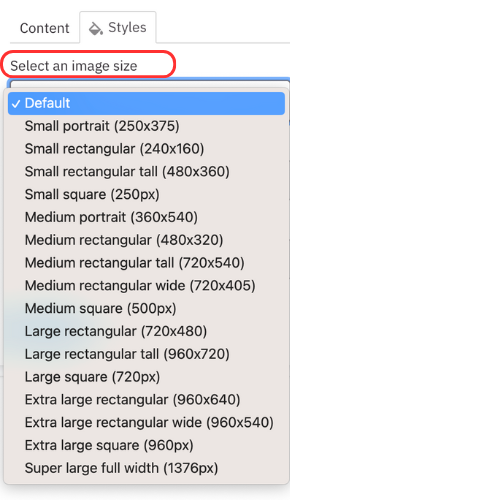
- In the Aspect section, you can change the aspect ratio of the image (see examples below)

Save
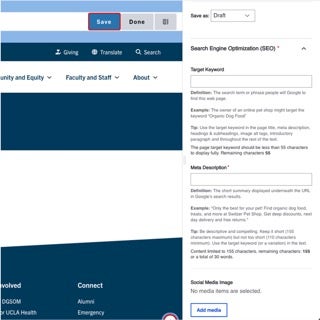
- Click Save.
- Scroll to the top of the page and click Save.
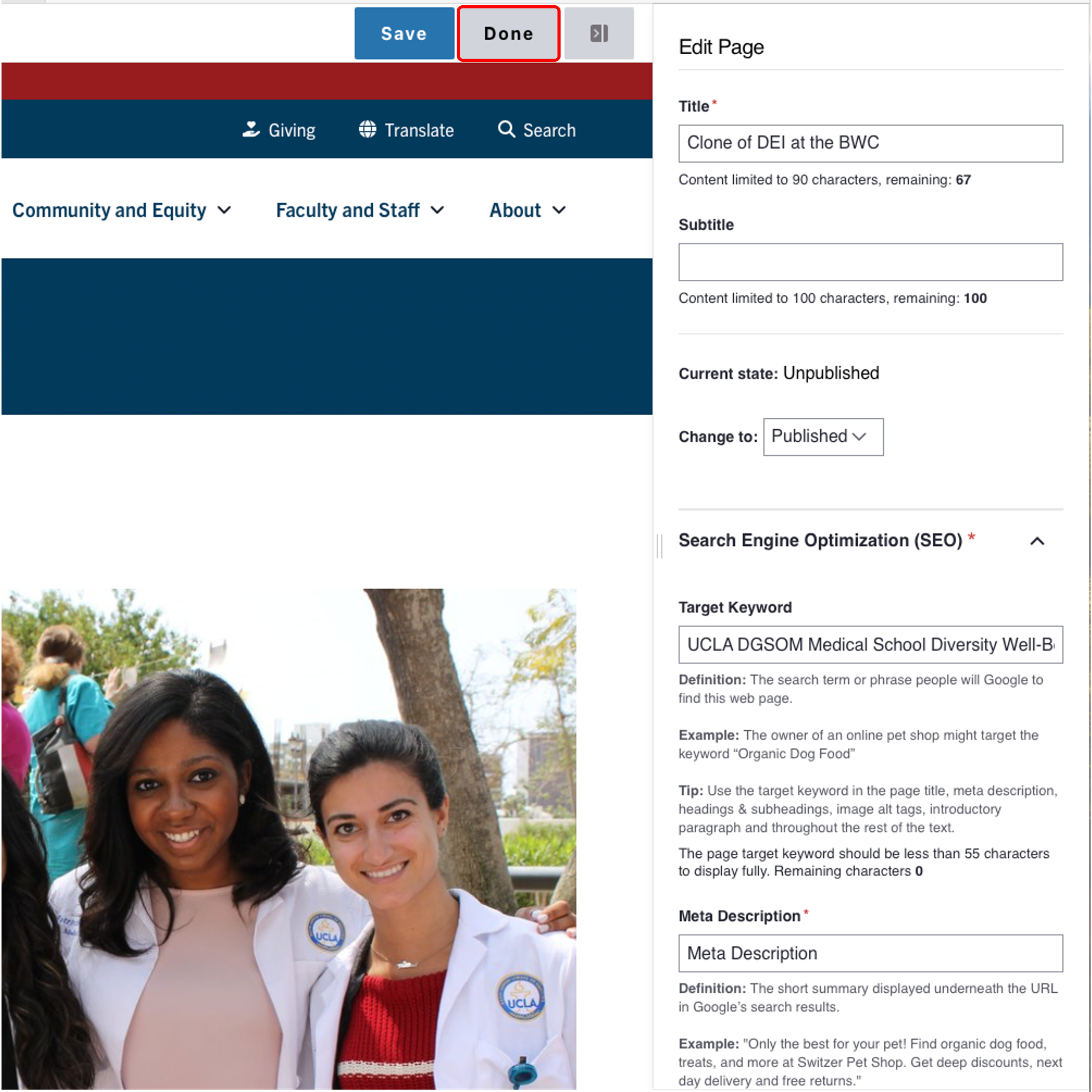
- Click the Done button beside the save button.
Note: This will display the page in the closest representation of how site visitors will view it. All links and actions that are disabled in editing mode will be functional now.
Style options
Example of a Default image

Small portrait (160x284)

Small rectangle (512x341)

Small rectangle tall (512x384)

Small square (250px)

Medium portrait (250x375)

Medium rectangle (720x480)

Medium rectangle tall (720x540)

Medium rectangle wide (720x405)

Medium square (500px)

Large rectangle (960x640)
Large rectangle tall (960x720)

Large rectangle wide (960x540)

Large square (720px)

- Full width (1900x650)