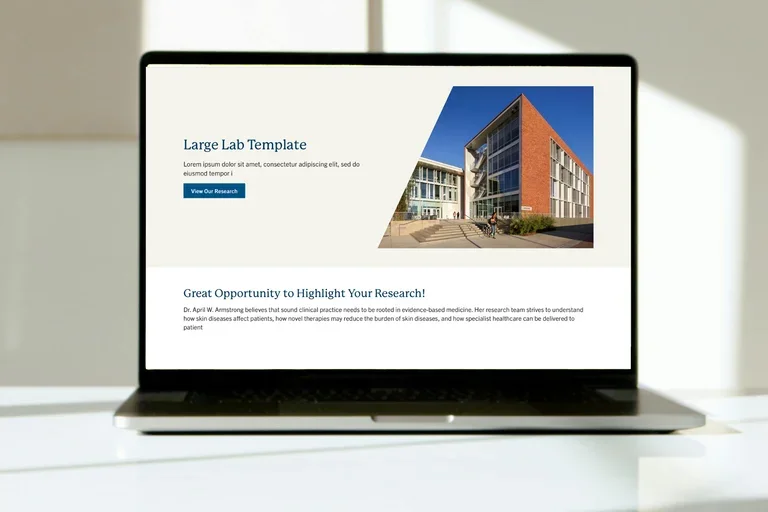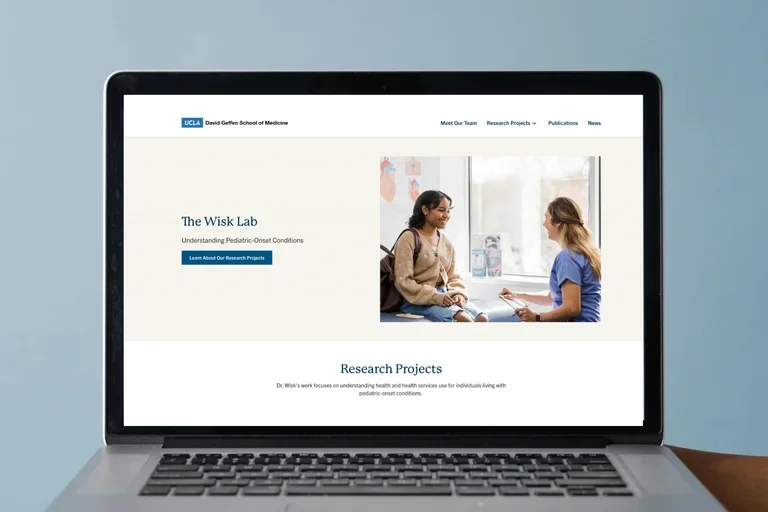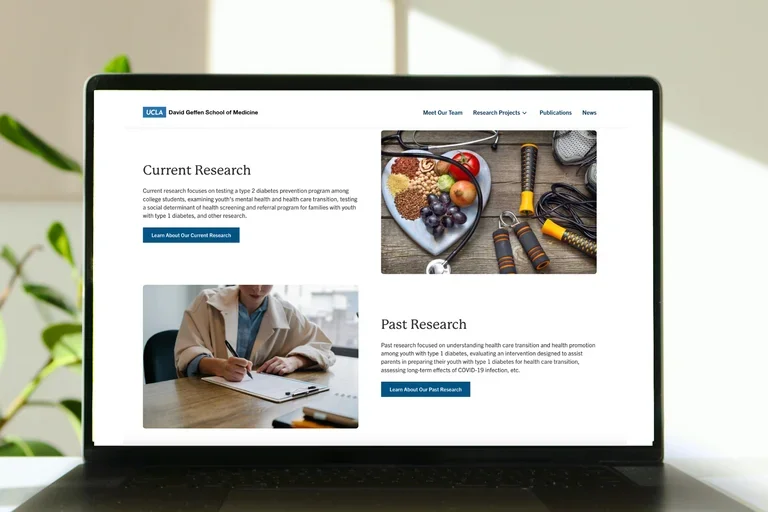
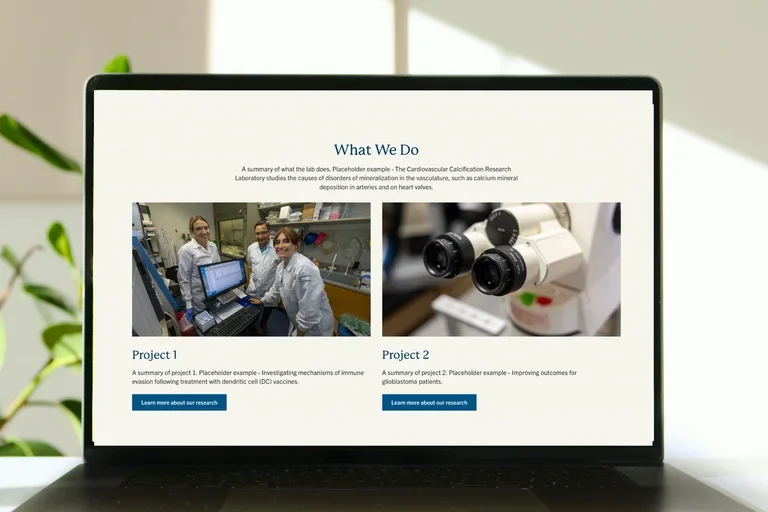
Laptop with lab template homepage below the hero component

Step 1: Request Your Web Platform Site

Do you need a website for your lab or department? Submit a request using our support form. Once received, the web team will review your submission and determine whether your unit should have its own site or be integrated into an existing site on the web platform.

Request a New Site
Woman on video call with headphones

Step 2: Complete the Web Platform Training

Once your site request is approved, complete the Web Platform training to learn practices for creating content and building your site. After successfully finishing the training, you will get access to the web platform.

Take the Course
Computer with a lab template

Step 3: Build Your Website

Build your website on a password-protected development site. Pre-populated branded templates are available for lab sites.

Explore Guides and Resources
Laptop showing homepage of the Wisk lab

Step 4: Launch Your Website

When your site is ready for public viewing, submit a request to go live. The web team will review your site to ensure it follows brand guidelines and best practices for accessibility and SEO. Once approved, we will coordinate with the networking team to launch your website.

Request a New Site to Go Live
Laptop displaying wisk lab homepage below hero component

Step 5: Maintain Your Website

Maintaining your website is an ongoing process. Regularly update content, check for broken links, and monitor site functionality. We also provide regular accessibility reports and content audits to ensure your website continues to meet our guidelines.

Explore Guides and Resources