
Accessibility Reports
Accessibility Reports
Accessibility Reports help site owners and administrators understand how accessible, healthy, and compliant their websites are, while providing clear, actionable guidance to fix issues and improve the user experience for everyone. Accessibility Reports are part of our broader Website Health reporting system. They provide insight into how well your site meets accessibility standards and highlight issues that may impact users who rely on assistive technologies.
How to Use Accessibility Reports
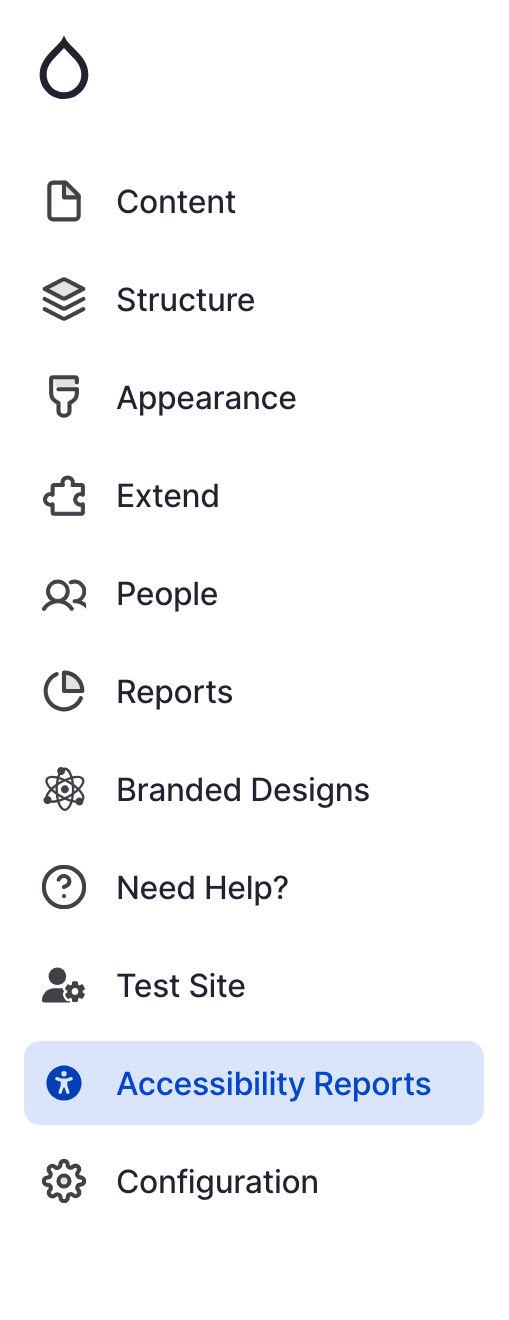
- Navigate to the Drupal menu and click on "Accessibility Reports"
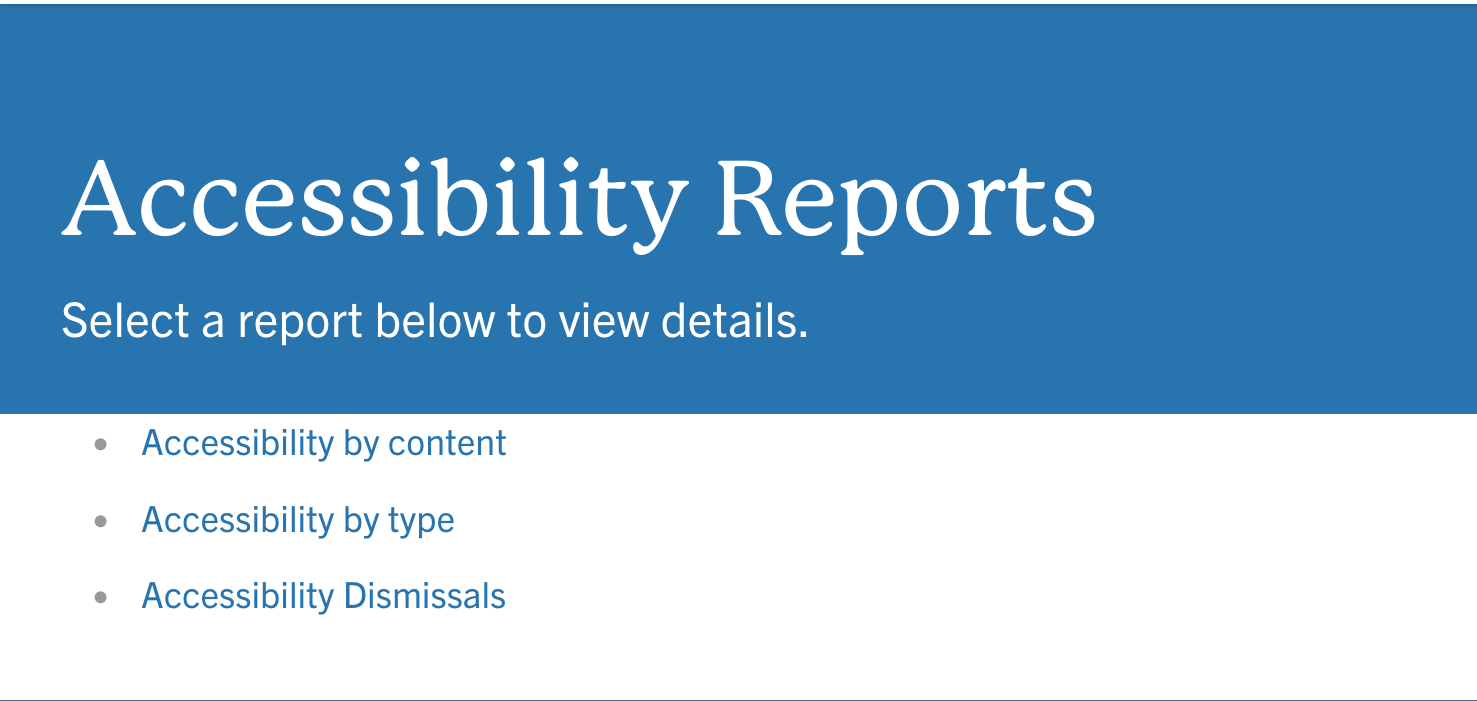
- You will see three options:
- Accessibility by Content
- Accessibility by Type
- Accessibility Dismissals
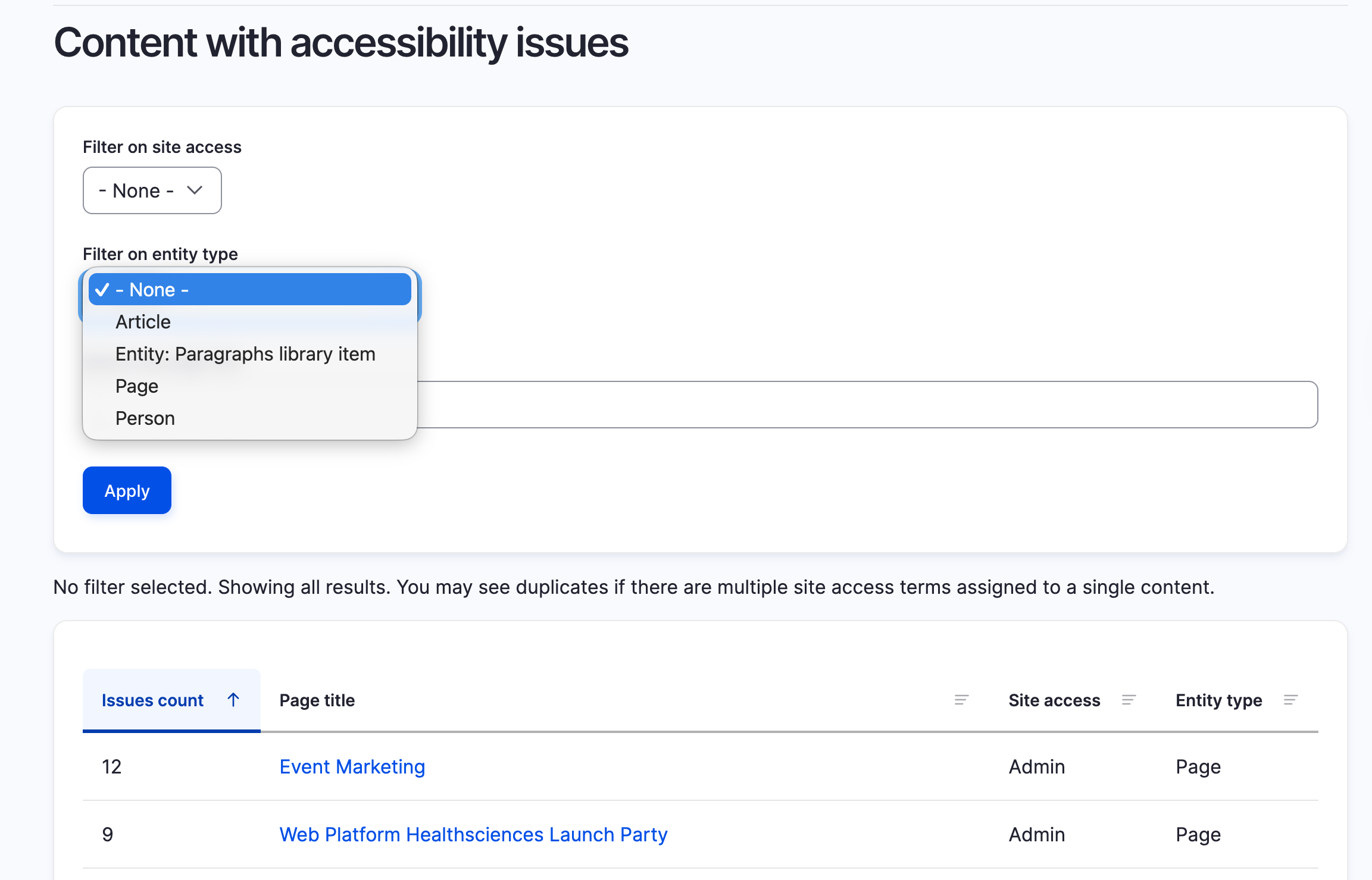
Accessibility by Content
This report shows all content with accessibility issues. You can filter by content type.
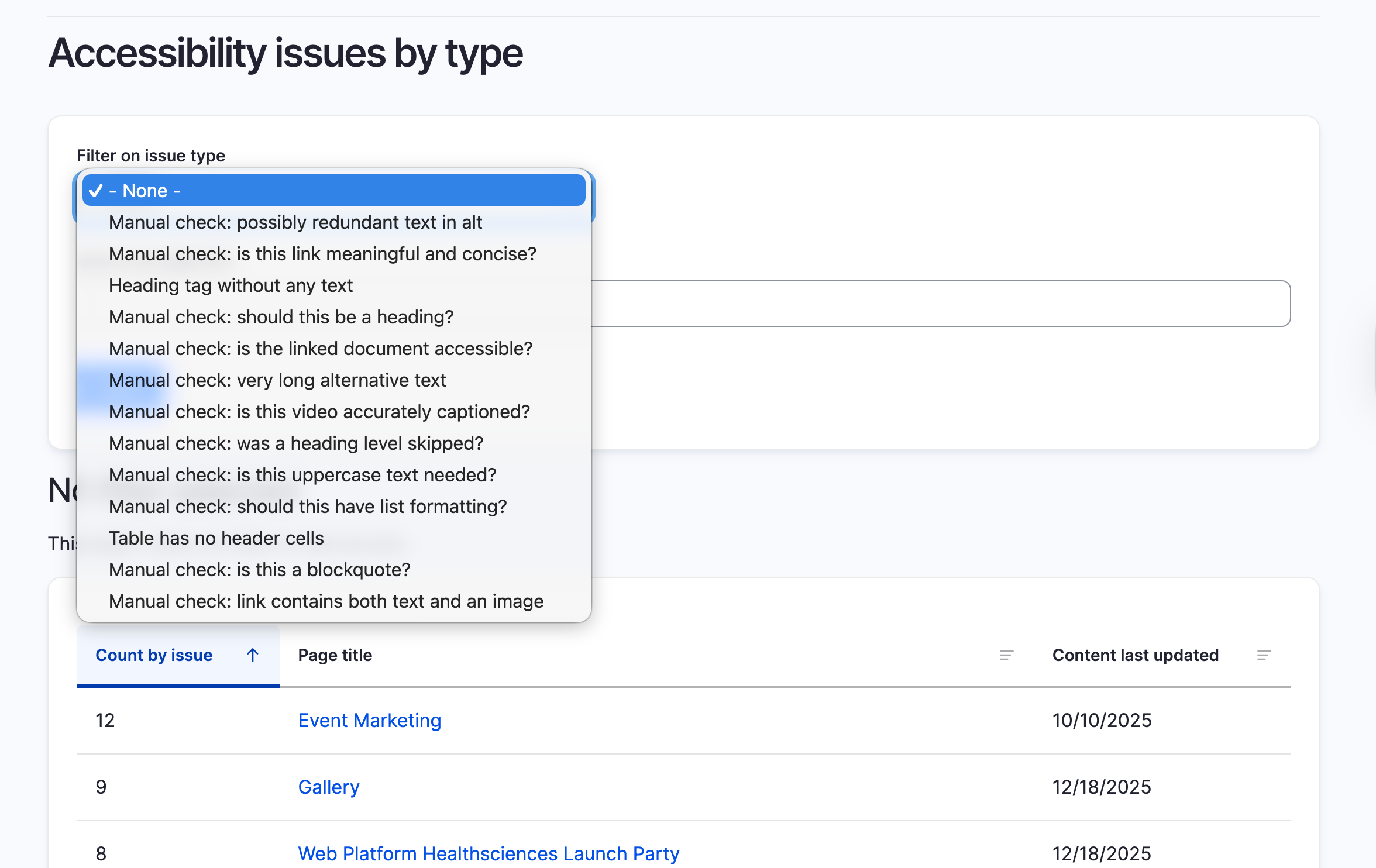
Accessibility by Type
This report shows all specific accessibility issues that have been flagged. You can filter by accessibility issue.
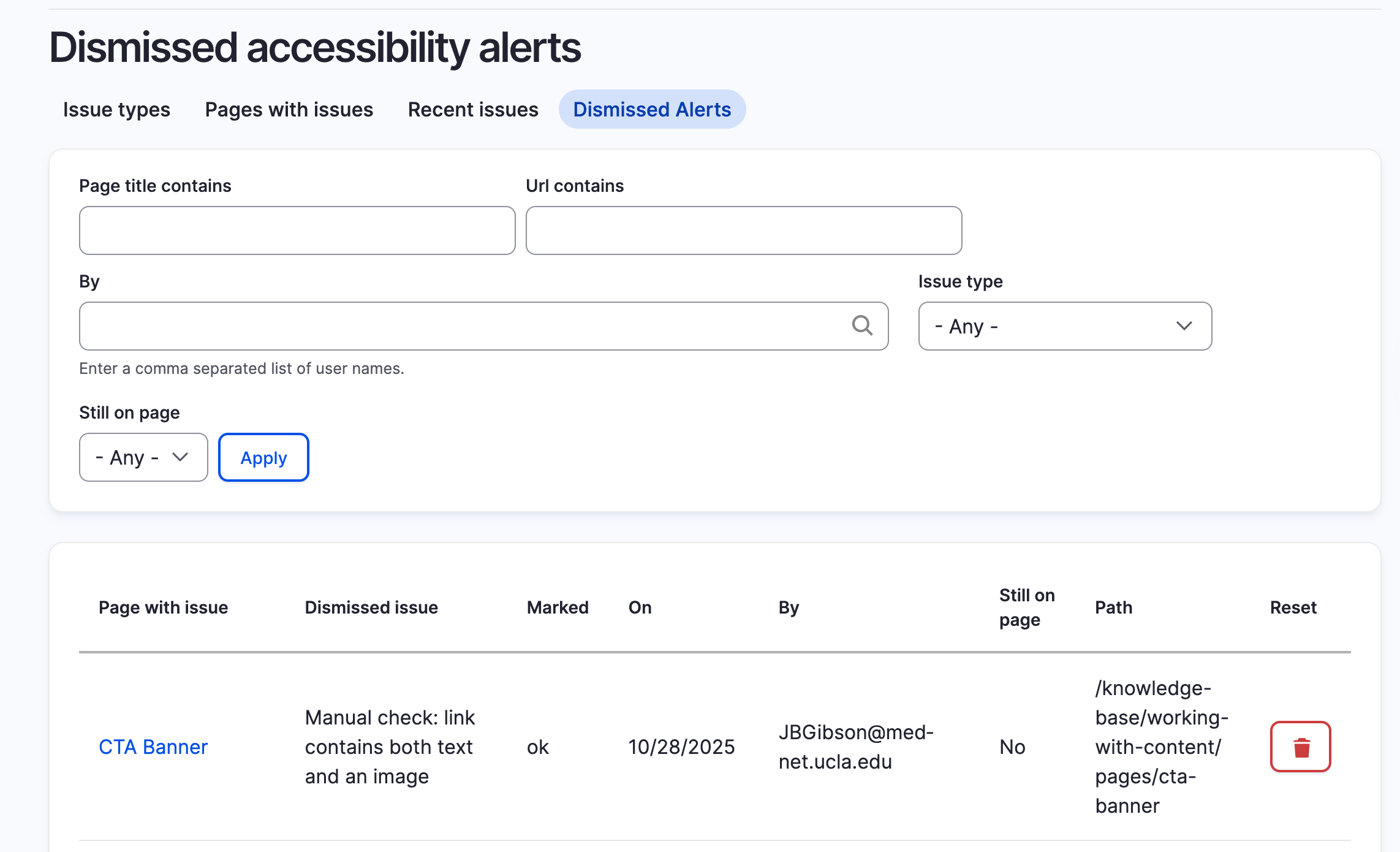
Accessibility Dismissals
This report shows all accessibility issues that have been manually dismissed.
Accessibility Report Emails
Site owners automatically receive accessibility report emails when issues are identified.
Important things to know:
- Accessibility compliance is required by UCOP and state and federal law
- Site owners are ultimately responsible for ensuring accessibility
- Remediation tasks can be delegated, but accountability stays with the site owner
- Issues must be addressed in a timely manner
These emails are meant to support—not overwhelm—by pointing you directly to what needs attention.
Site Health Report
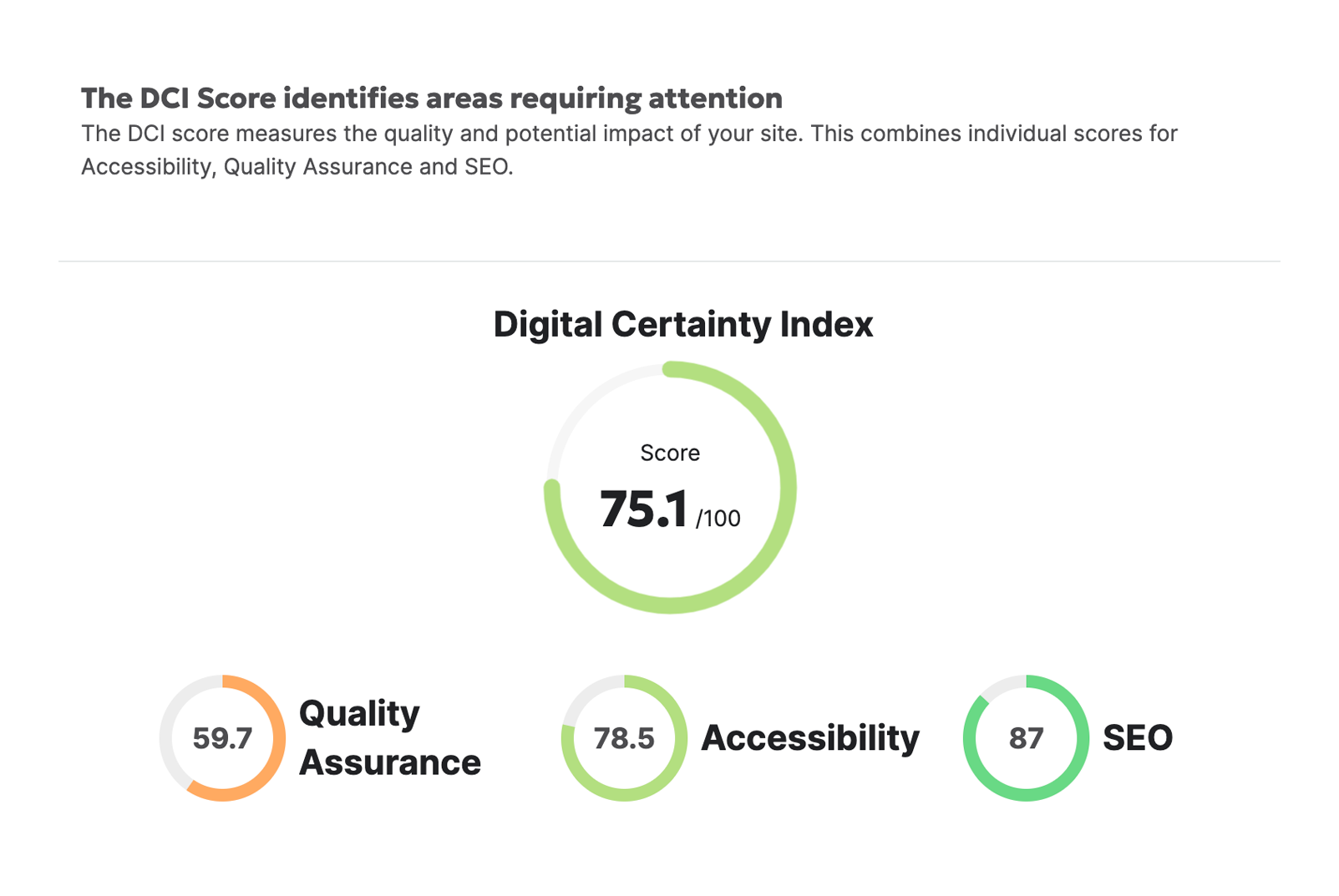
Digital Certainty Index (DCI) Score
A score from 0–100 that reflects how well your site meets standards across:
- Accessibility
- Quality Assurance
- SEO
This score gives you a quick snapshot of your site’s overall health.
Identified Accessibility Issues
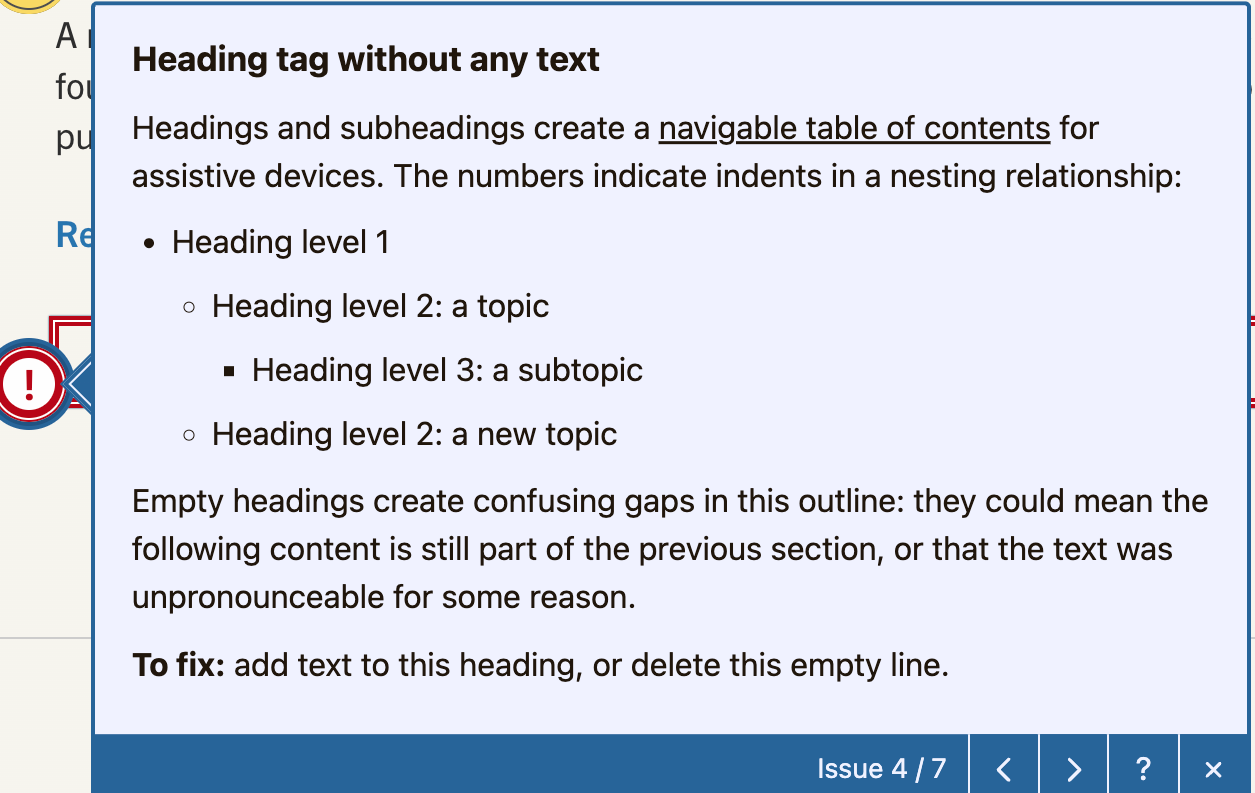
Reports flag common accessibility issues, including:
- Missing or incorrect alt text
- Low or missing page content
- Improper heading structure
- Duplicate or inaccessible content
- Non-compliant images, PDFs, or linked documents
Each issue includes clear “How to Fix It” guidance, so you’re not left guessing.
Fixed Issues
Recent improvements—like resolved accessibility errors or corrected content—are tracked so teams can monitor progress and celebrate wins.
Accessibility Best Practices
- Check your DCI score to understand overall site health
- Review accessibility issues flagged in your report
- Fix high-priority items first (alt text, headings, content gaps)
- Monitor progress monthly and track improvements over time
Additional Accessibility Resources
Use these resources to help resolve issues identified in your reports:
- Accessibility Overview
- Web Accessibility Checker
- Best Practices for Using Images
- Why PDFs May Not Be the Best Option for Web Content
- Understanding the Limits of Flyers, Images with Text, and QR Codes
Need Help?
We offer co-working sessions where you can:
- Ask questions about your reports
- Get help interpreting accessibility issues
- Work through fixes with guidance