Adjustable Header Sizes for Key Components
Brand Refresh
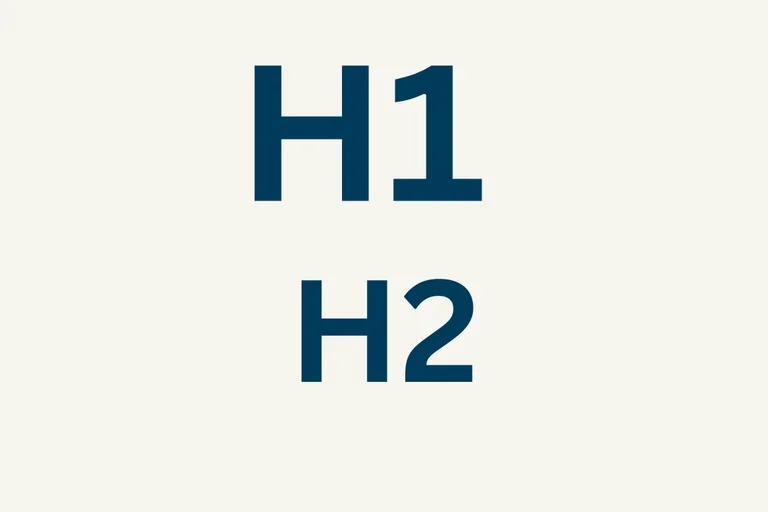
We’re excited to announce a new update that allows header sizes to be adjusted on several key components across our platform. This enhancement makes it easier to design pages, stay accessible, and improve SEO with proper headings.
Components with Adjustable Header Sizes
You can now change the header size for the following components:
- Section Header – Used to introduce and organize page content.
- Icon Card – Call-to-action component used in a Card Grid under a Section Header.
- CTA Card – Call-to-action component used in a Card Grid under a Section Header.
- Article Highlight – Showcases featured and recent articles.
- Event Highlight – Highlights upcoming events and important dates.
- Quote – Displays centered quotations with visual emphasis.
By allowing header size adjustments, these components can better fit your page hierarchy and layout needs, support accessibility, and improve SEO by creating a clear, logical structure for search engines to crawl.
How to Change the Header Level
- Select the component you want to edit (e.g., Section Header, CTA Card).
- Open the Styles tab.
- Under Change the title heading level, choose the desired header level (H2, H3) based on the page hierarchy.
- Save your changes.
Implementation Timeline
- Launch Date: December 15
- Review the new process ahead of the launch to ensure a smooth transition.
Additional Resources
Co-working Sessions
Need help with your website? Register for the next Co-working Session for support.