Curated Content
Creating Components
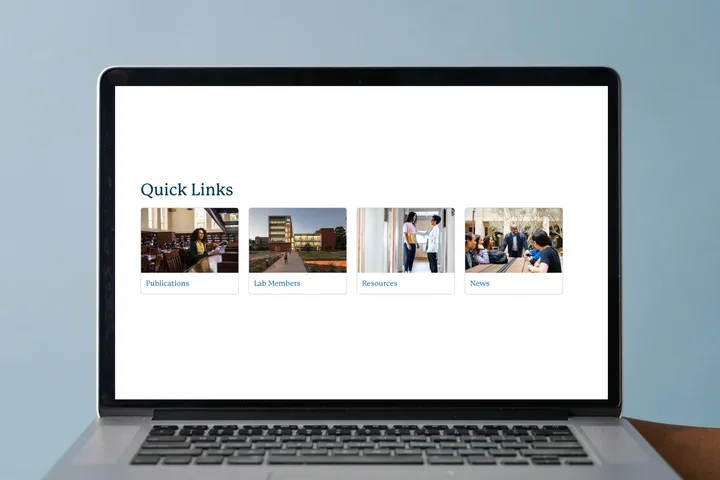
Curated Content Example


Step-by-Step Instructions
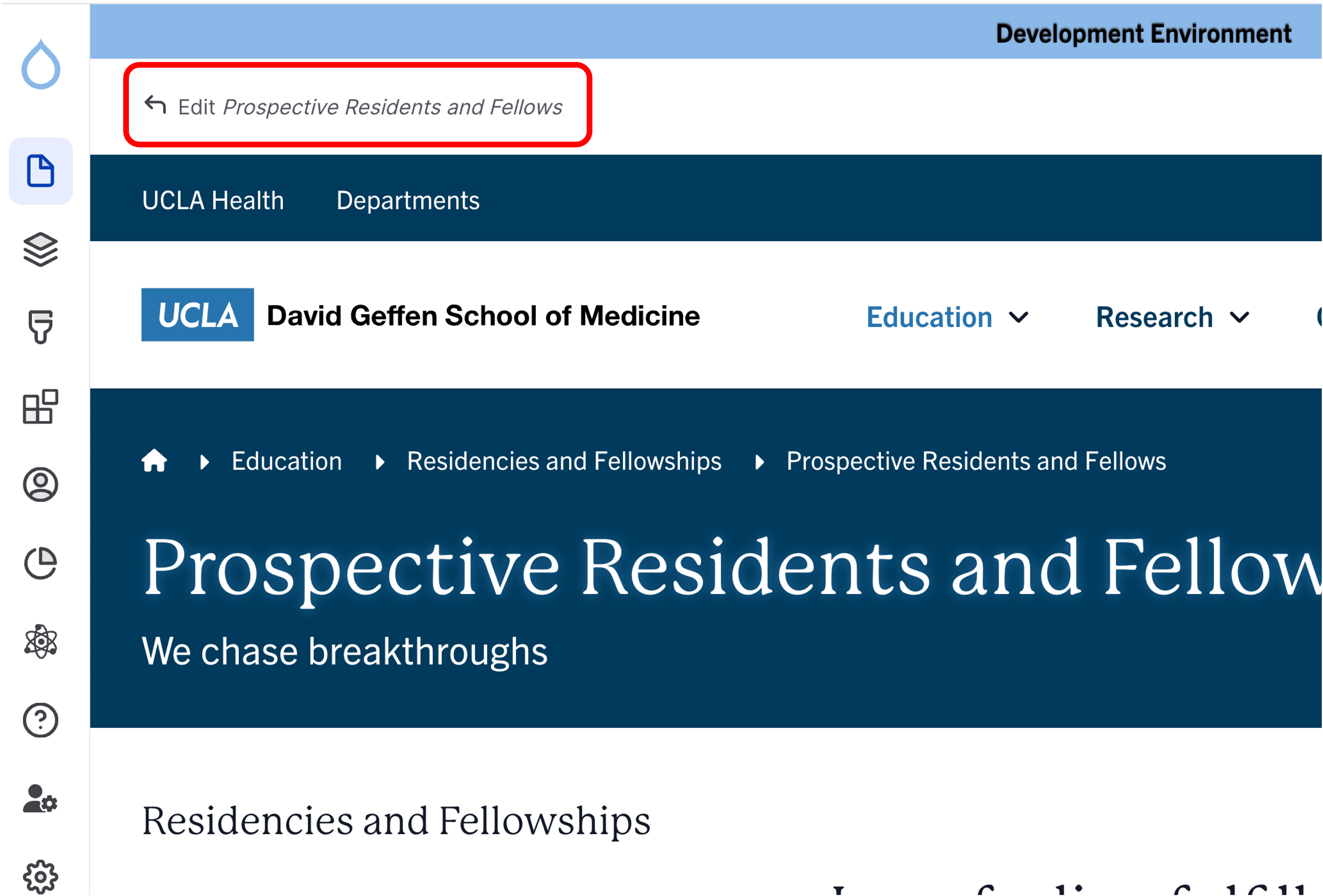
- Click the edit link at the top of the page
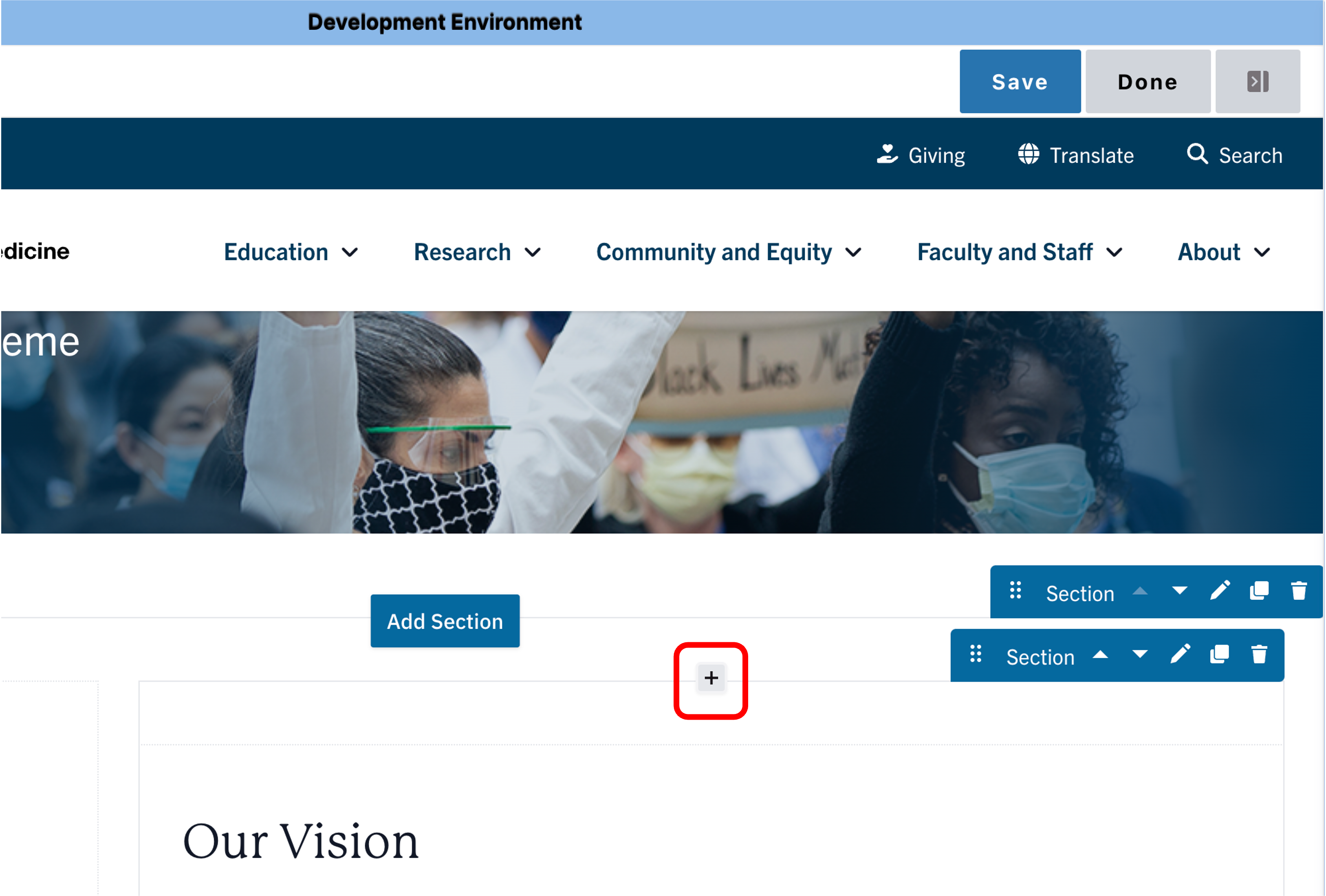
- Move your cursor where you want to place the component.
- Click the plus icon.
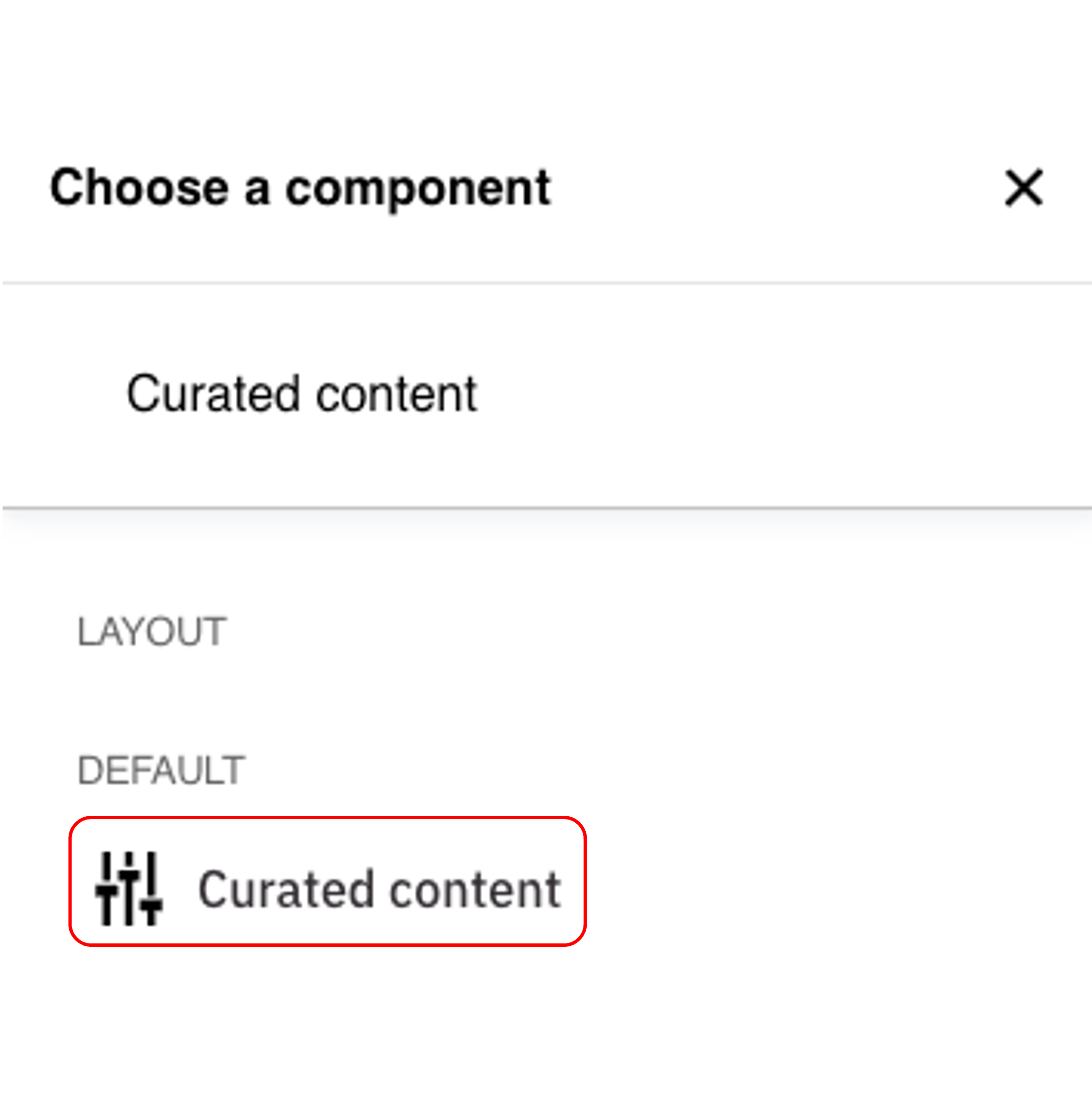
- Select Curated Content from the menu.
Content
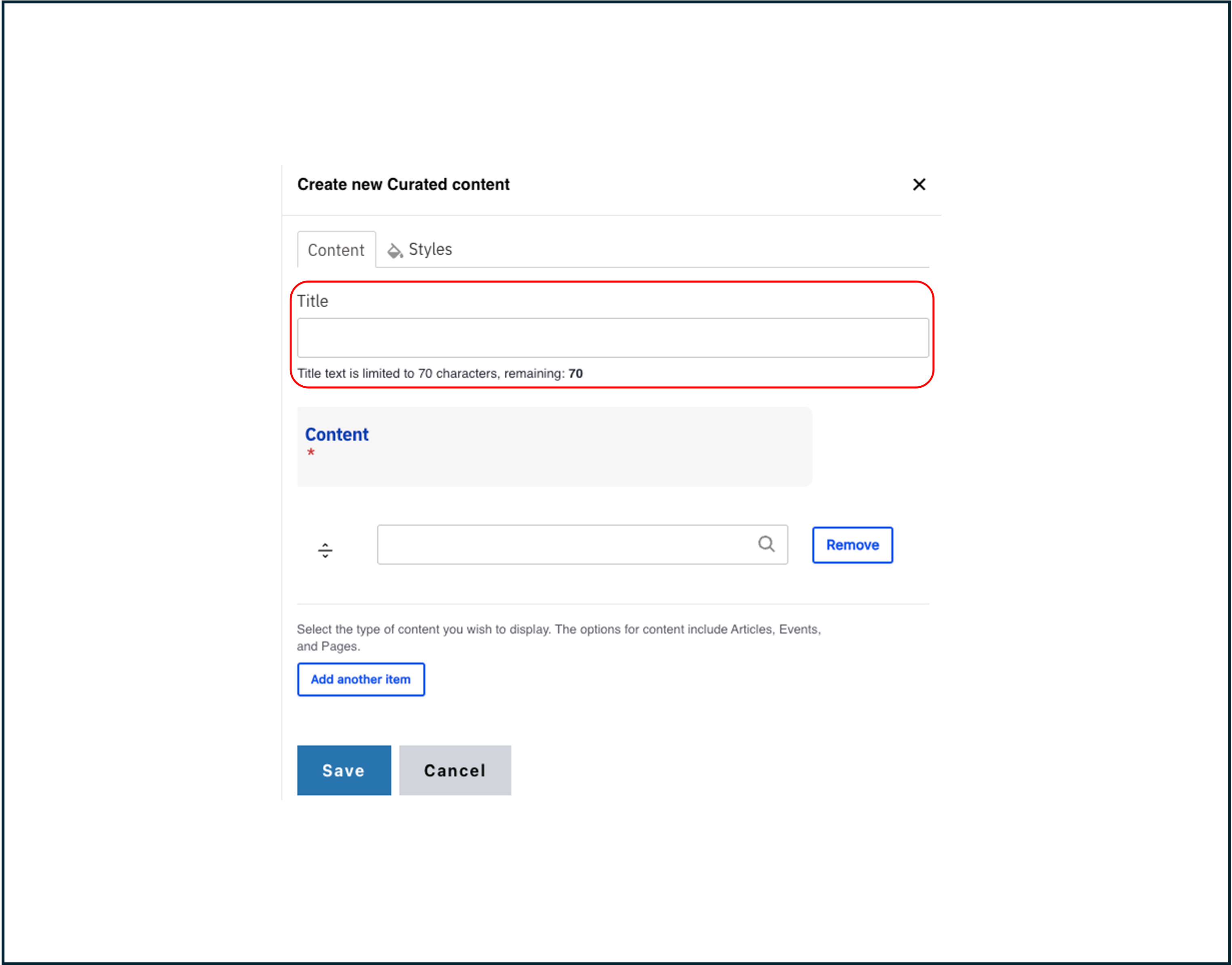
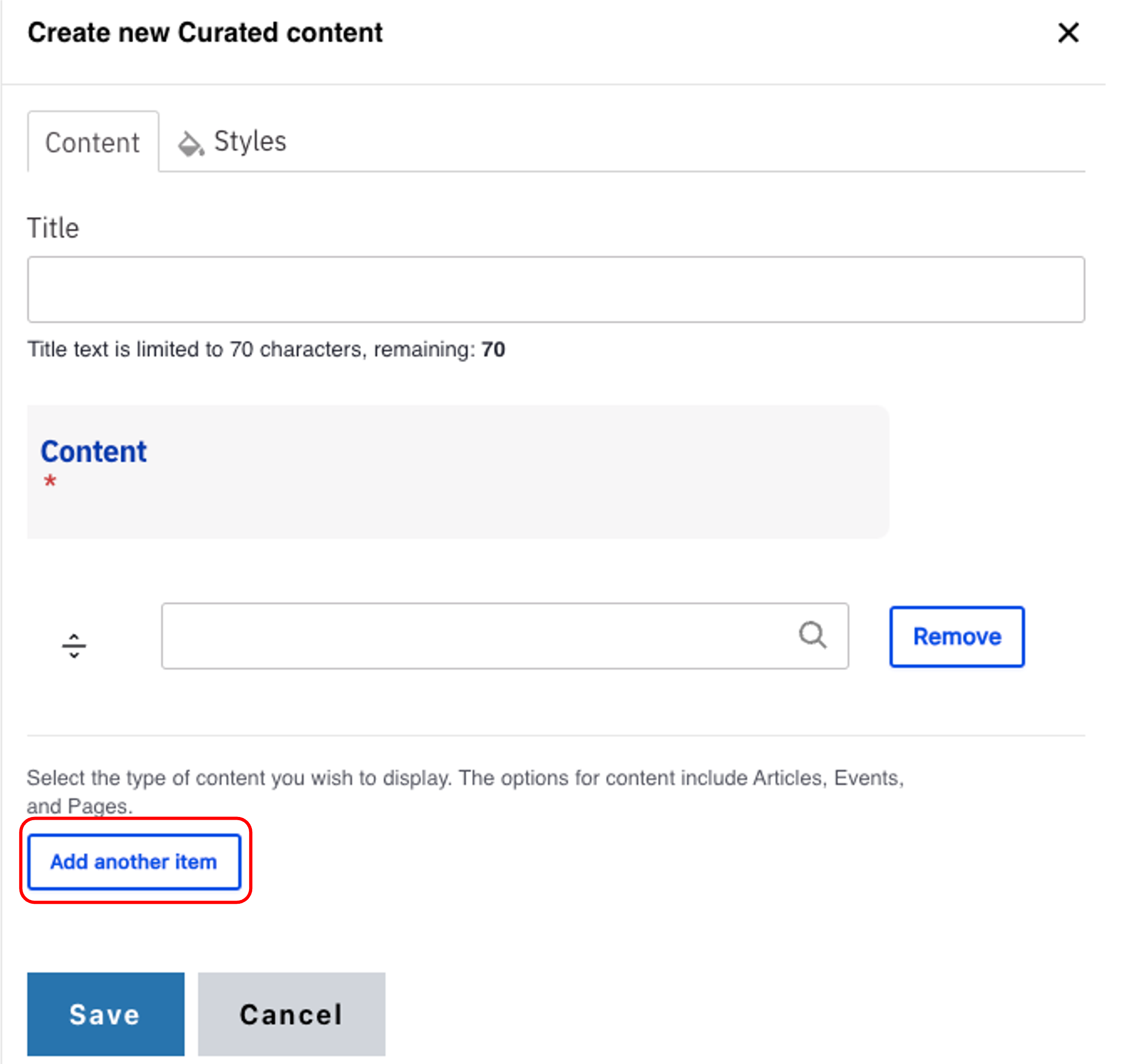
- Add a Title.
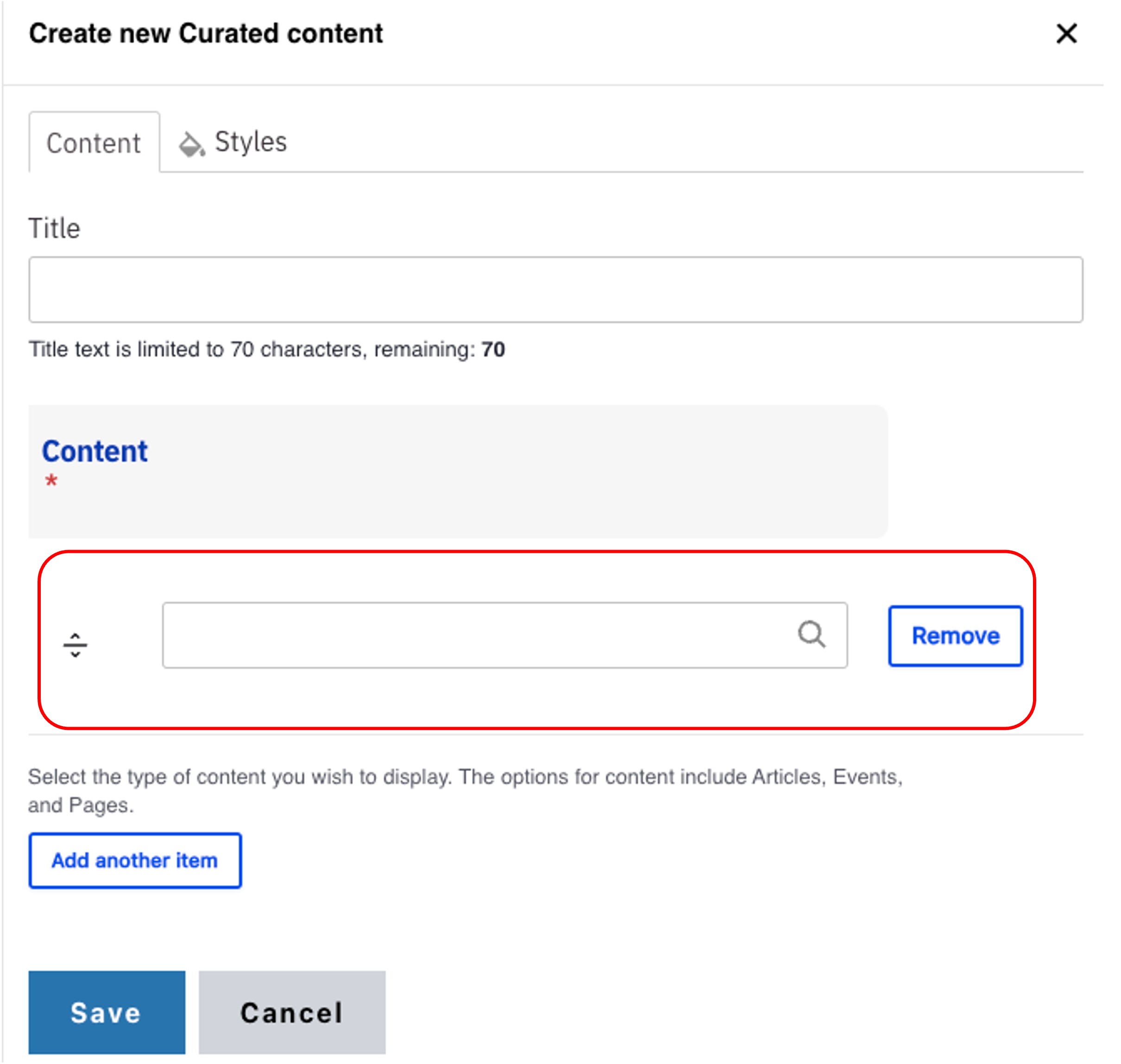
Note: Title field text is limited to 70 characters. - Start typing the name of the page, article or event you would like to add in the Content field.
- Click the Add another item to add more cards.
- Repeat steps 2 to 3 for each item.
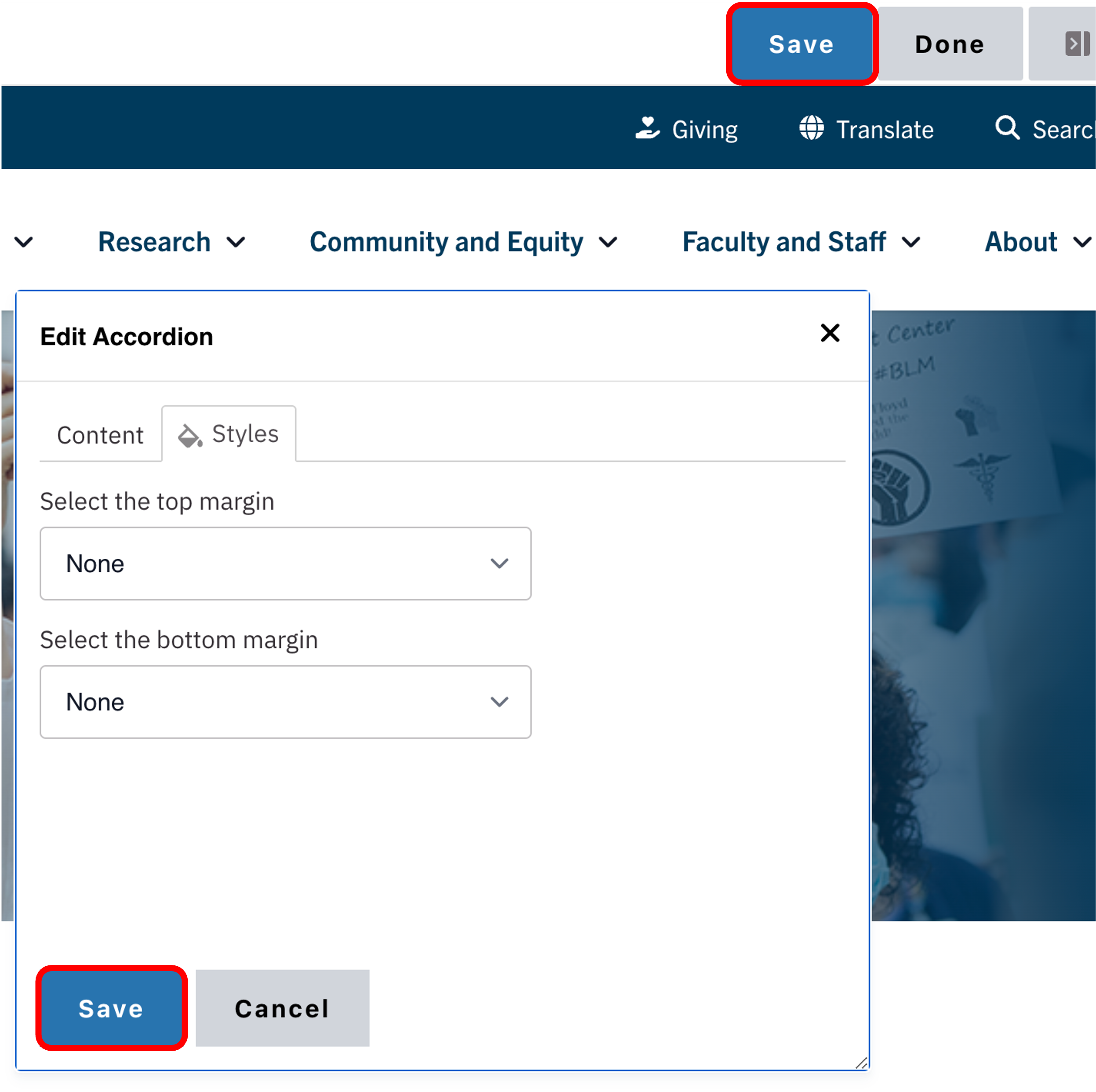
Save
- Click Save.
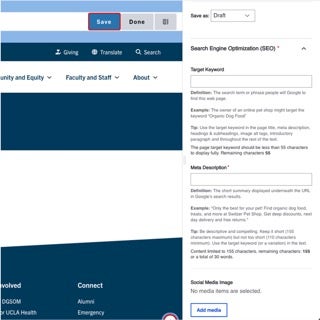
- Scroll to the top of the page and click Save.
- Click the Done button beside the save button.
Note: This will display the page in the closest representation of how site visitors will view it. All links and actions that are disabled in editing mode will be functional now.