
Videos
What is a Video?
The Video media type is used to embed videos from YouTube or Vimeo on your site.

Video Component
Learn more about VideosUploading a Video Through the Text Editor
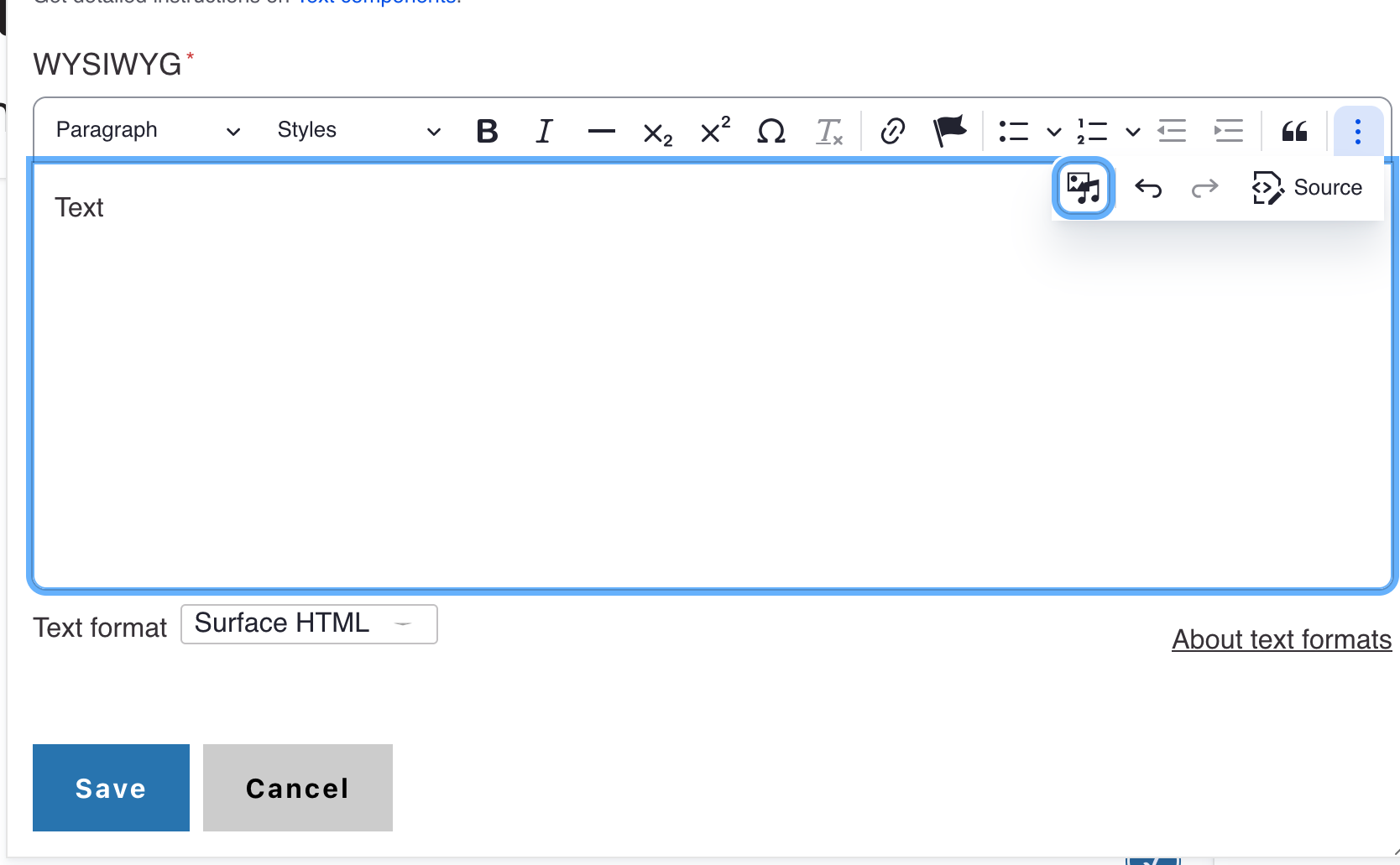
- Select the Insert from Media Library icon
- Select the desired media type option from the list
- Add the video URL and fill out the appropriate fields.
- Click the insert selected button.
- Click save.


Uploading a Video via the Media Library
- Go to the Administration panel and select the Content > Media > Add Media > Video
- Enter the appropriate fields
- Click save


Making Videos Accessible
You can understand the need for transcripts and captions if you keep in mind how people may access content. Blind individuals often use screen readers, which are software that uses audio output to interpret and "read" the content, such as transcripts, out loud to the user. Hearing-impaired individuals may depend on captions and transcripts so they can access audio by reading. Individuals with cognitive disabilities may rely on a mix of audio and captions. Some situations require only transcripts. Others require captions. Note that to make captions ,you must first have a transcript.
All videos must have captions. Please note that relying on machine learning to automatically generate the captions is not sufficient. We have all seen videos where the text does not match the audio. For many visitors, this would mean that they are unable to understand some of the message. You must verify manually that the captions are correct.
Learn more in the Electronic Accessibility > Transcripts and captioning section on the UCOP website.
