
Typewriter CTA
Creating Components
This is a Typewriter CTA
Step-by-Step Instructions
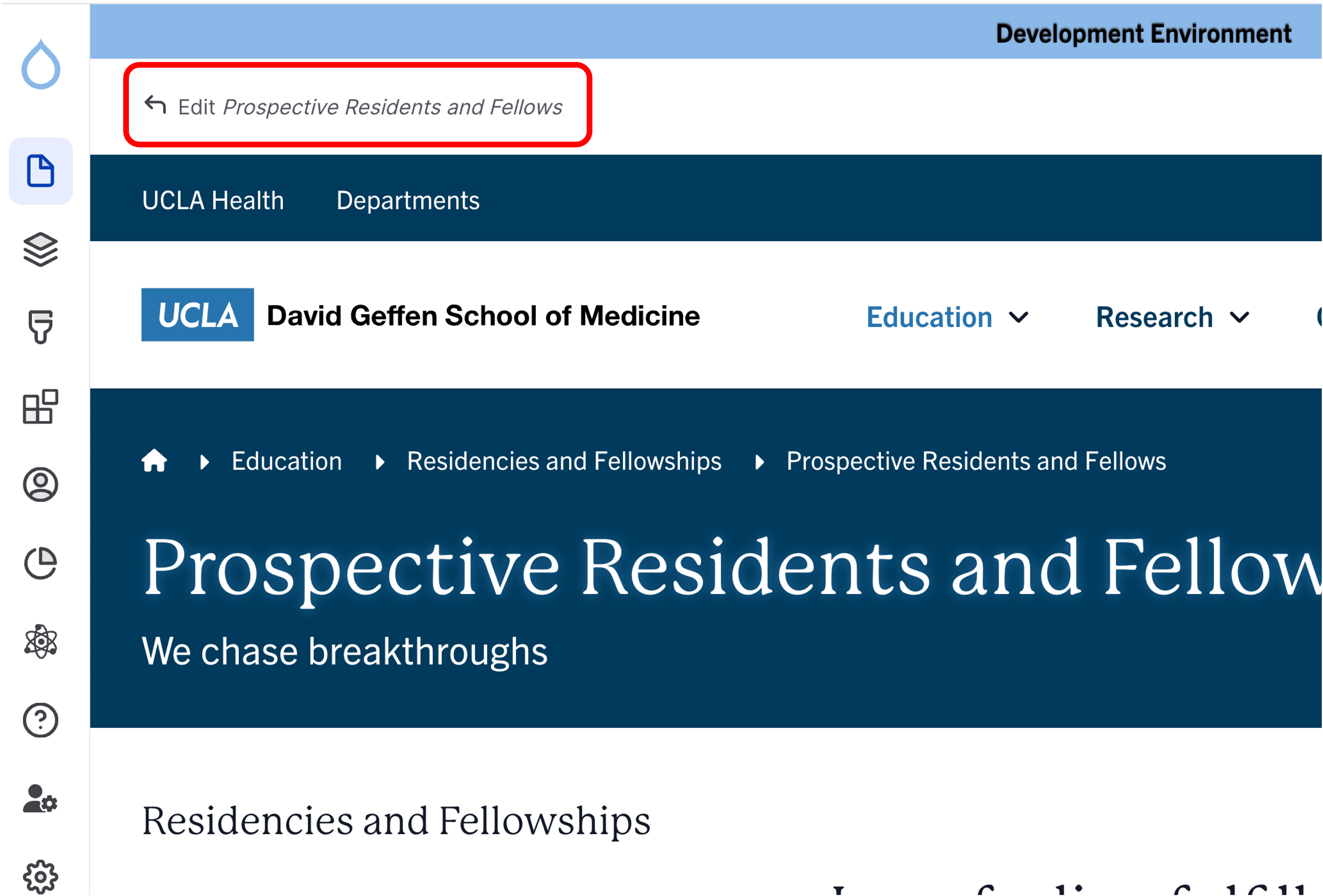
- Click the edit link at the top of the page
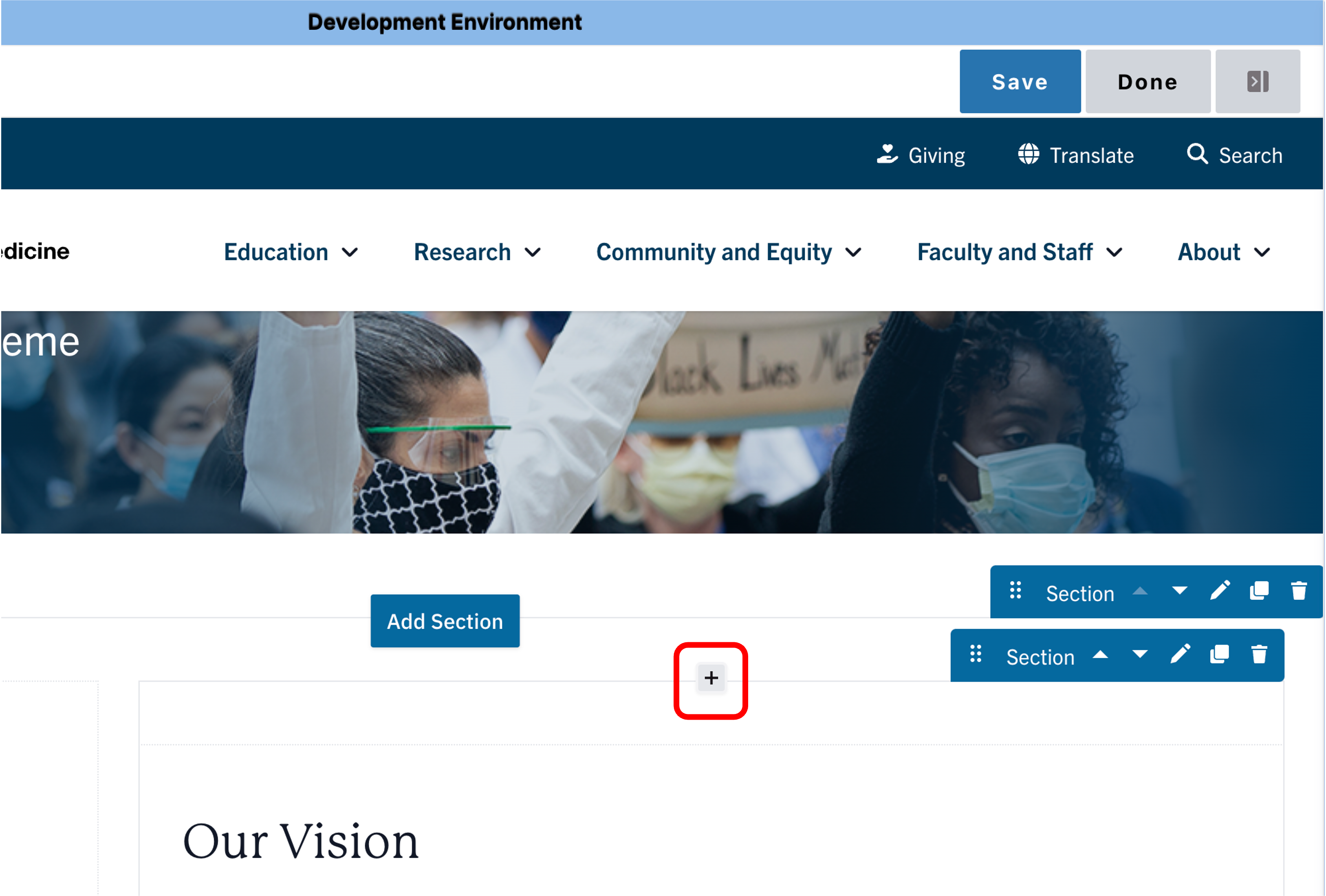
- Move your cursor where you want to place the component.
- Click the plus icon.
- Select Typewriter CTA from the menu

Content
- Add the lines of text you would like your Typewriter CTA to showcase. Treat each content box as one line or sentence and be mindful of the character limit. (You can have up to five lines.)

Save
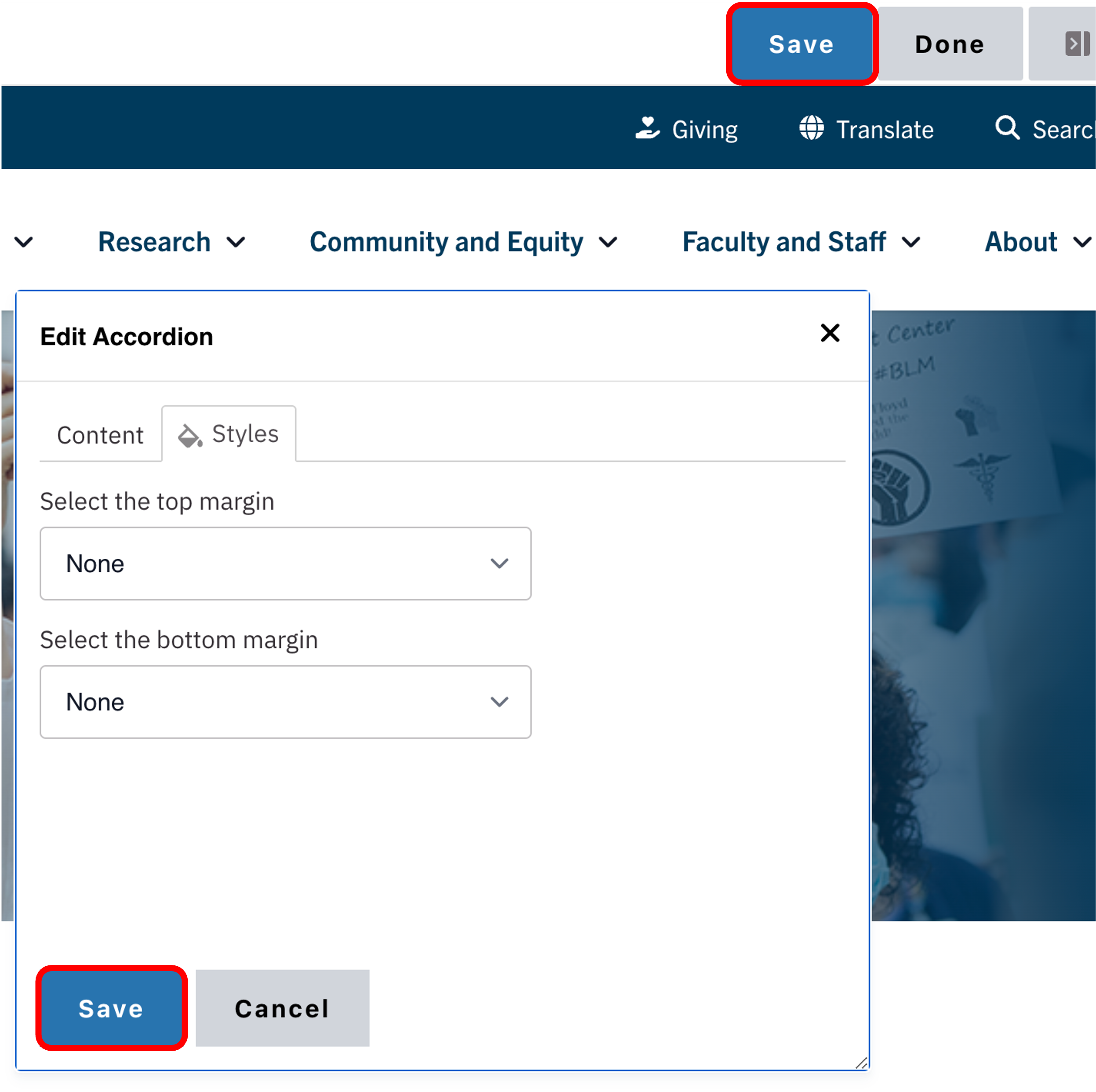
- Click Save.
- Scroll to the top of the page and click Save.
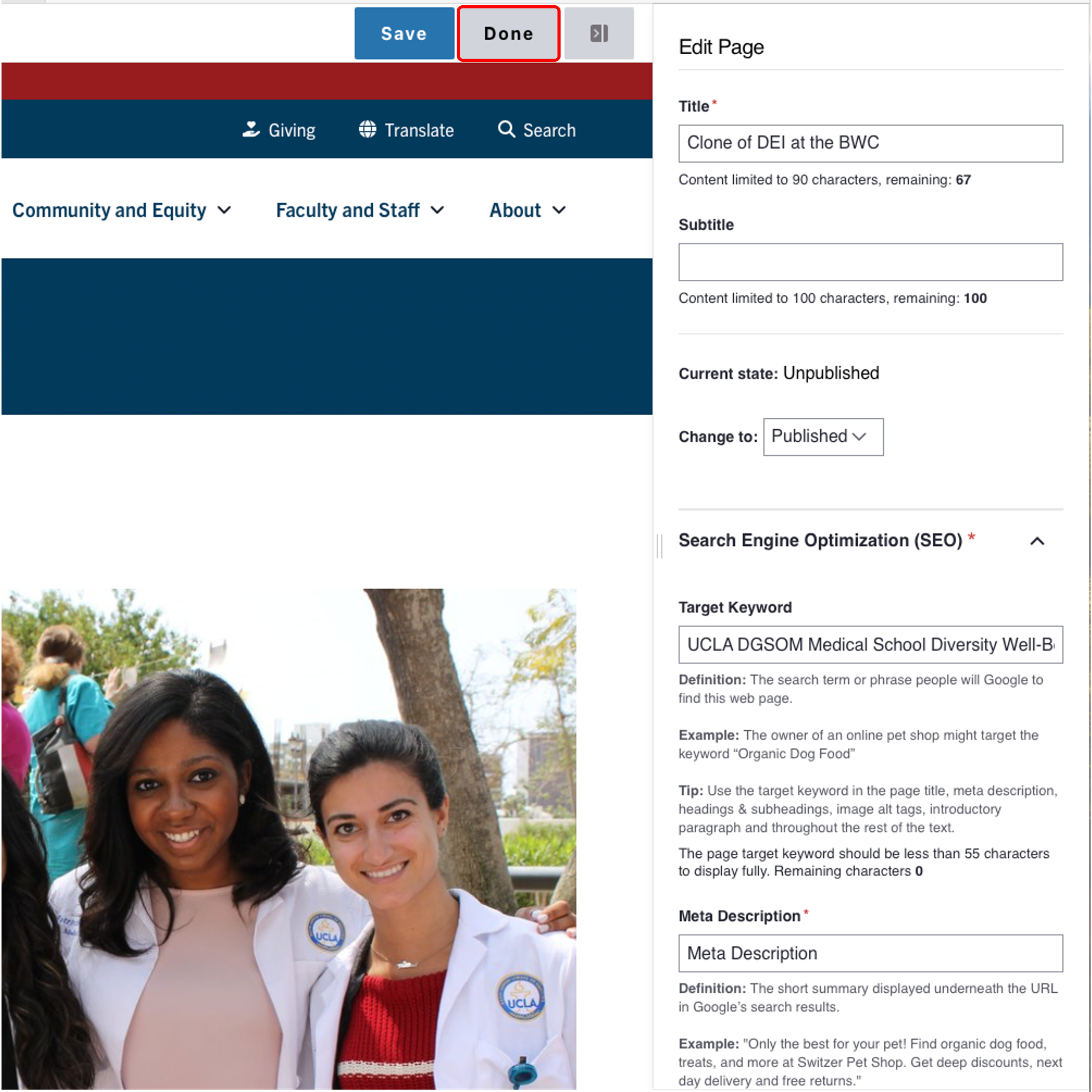
- Click the Done button beside the save button.
Note: This will display the page in the closest representation of how site visitors will view it. All links and actions that are disabled in editing mode will be functional now.
Background Colors
This setting is available only to site owners and should be used sparingly to draw attention to key information.
Note: This applies only to One Column Sections.
How to apply a background highlight:
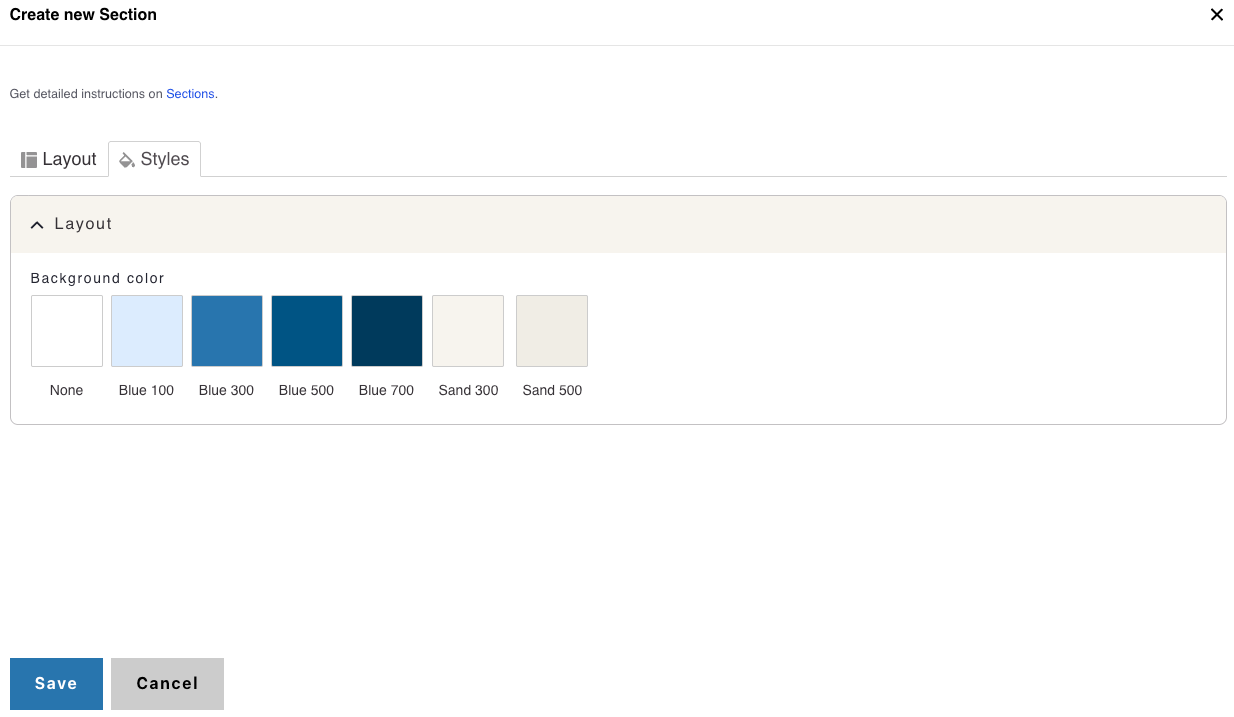
- Open the Styles tab.
- Choose a background color to highlight your components:
- None (default)
- Blue 100
- Blue 300
- Blue 500
- Blue 700
- Sand 300
- Sand 500
Alert
This is a typewriter CTA on a Blue 100 background
This is a typewriter CTA on a Blue 300 background
This is a typewriter CTA on a Blue 500 background
This is a typewriter CTA on a Blue 700 background
This is a typewriter CTA on a Sand 300 background
This is a typewriter CTA on a Sand 500 background