Automatic Spacing Between Sections and Components

All spacing between sections and components will be applied automatically. This update ensures a consistent layout across all pages and simplifies the user experience by eliminating guesswork. Because spacing is system-controlled, users will no longer need to add custom top or bottom margins. Any existing user-set margins will be updated to follow the new spacing rules. With these preset margins applied automatically, layouts will remain clean, balanced, and visually consistent.
Best Practices for Proper Spacing
To ensure automatic spacing works as intended, follow these recommendations:
- Avoid nesting sections inside another section. Nested sections disrupt spacing rules and can lead to inconsistent layout behavior.
- Only add new sections when necessary. Create a new section only when you need a different number of columns. Extra sections introduce unnecessary spacing and can break the visual flow.
- Remove empty sections. Even when blank, sections still generate spacing. Leaving them in place can create unintended gaps, so delete them when they’re no longer needed.
Layout Recommendations
Top-Level Pages
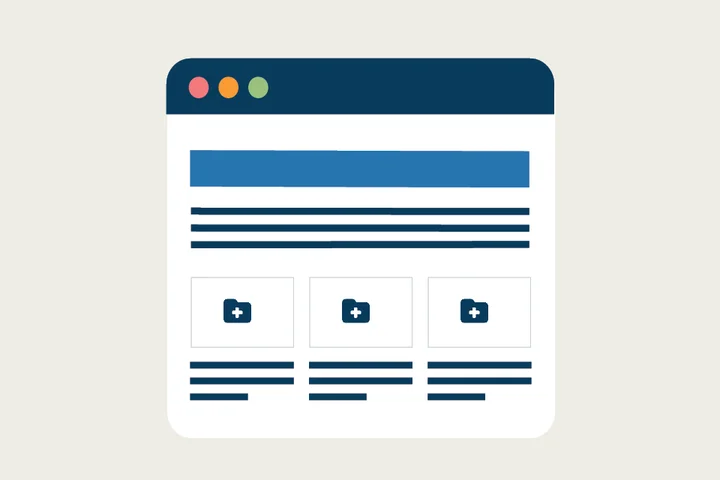
For top-level pages, opt for a clean One Column or Card Grid layout, using new components like the CTA Card and Icon Card to create an eye-catching design.
Subpages with Left Navigation
For subpages that use a left-side navigation, use the two-column menu layout. Place all components in the right column, leaving the left column dedicated to the navigation. This maintains a clear hierarchy, improves readability, and ensures consistency across all subpages.
Implementation Timeline
Automatic spacing will go into effect on December 15. We encourage all site editors to review the new process ahead of December 15 to ensure a smooth transition.
Additional Resources
Co-working Sessions
Need help with your website layout? Register for the next Co-working Session for support.