Tagboard
Creating Components
Alert
Only platform administrators have access to add Tagboard embeds.
What is Tagboard?
Tagboard is a third-party, subscription-based service that enables you to curate and embed social media feeds on a website. It provides dynamic embeds from a variety of supported platforms, including Instagram (Business Profiles), TikTok, X (formerly Twitter), Facebook, YouTube, LinkedIn, and more.
If you’re interested in adding a Tagboard embed on your website, please contact our team for more information.
Tagboard embed examples
Grid layout

Slider layout

Step-by-Step Instructions
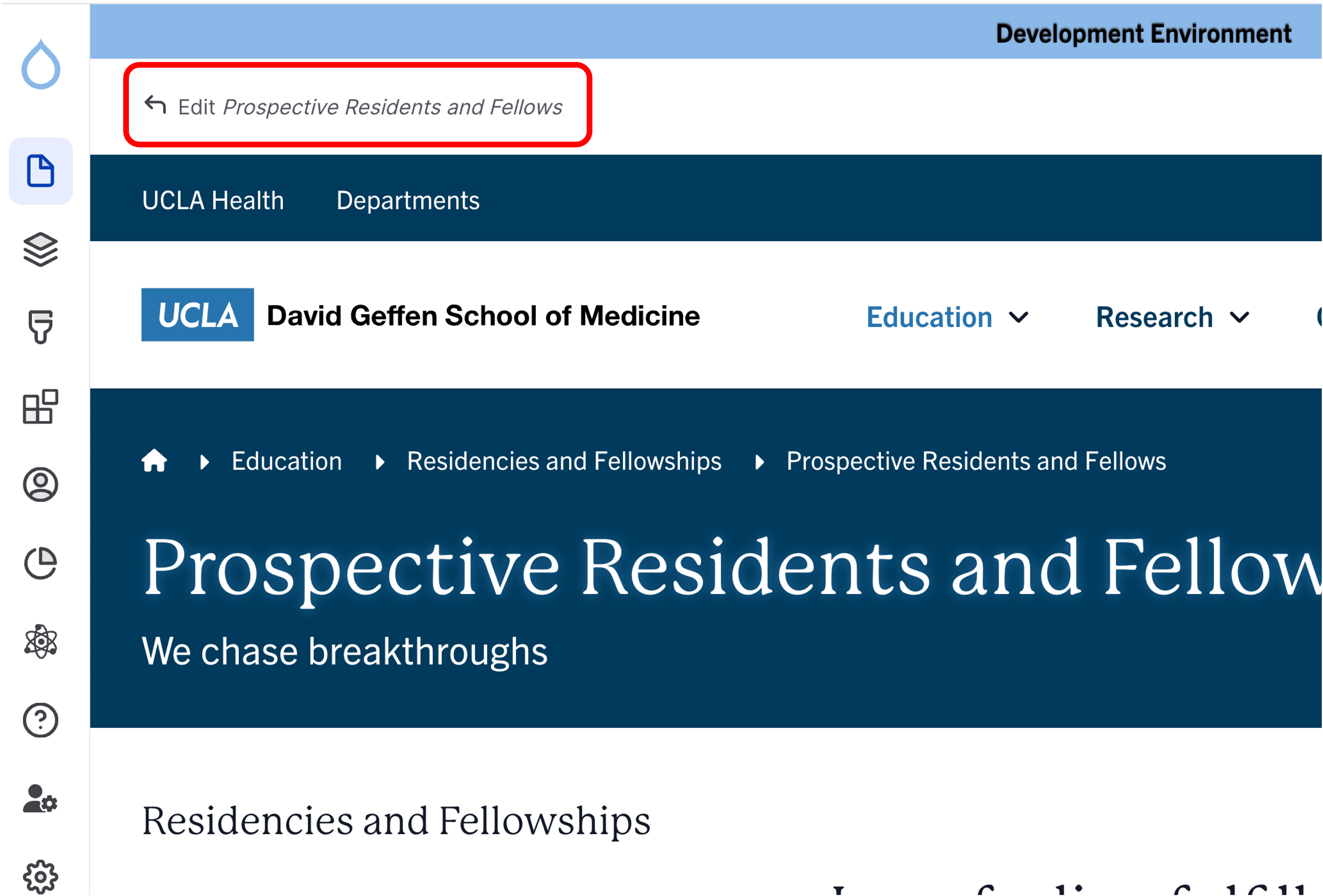
- Click the edit link at the top of the page
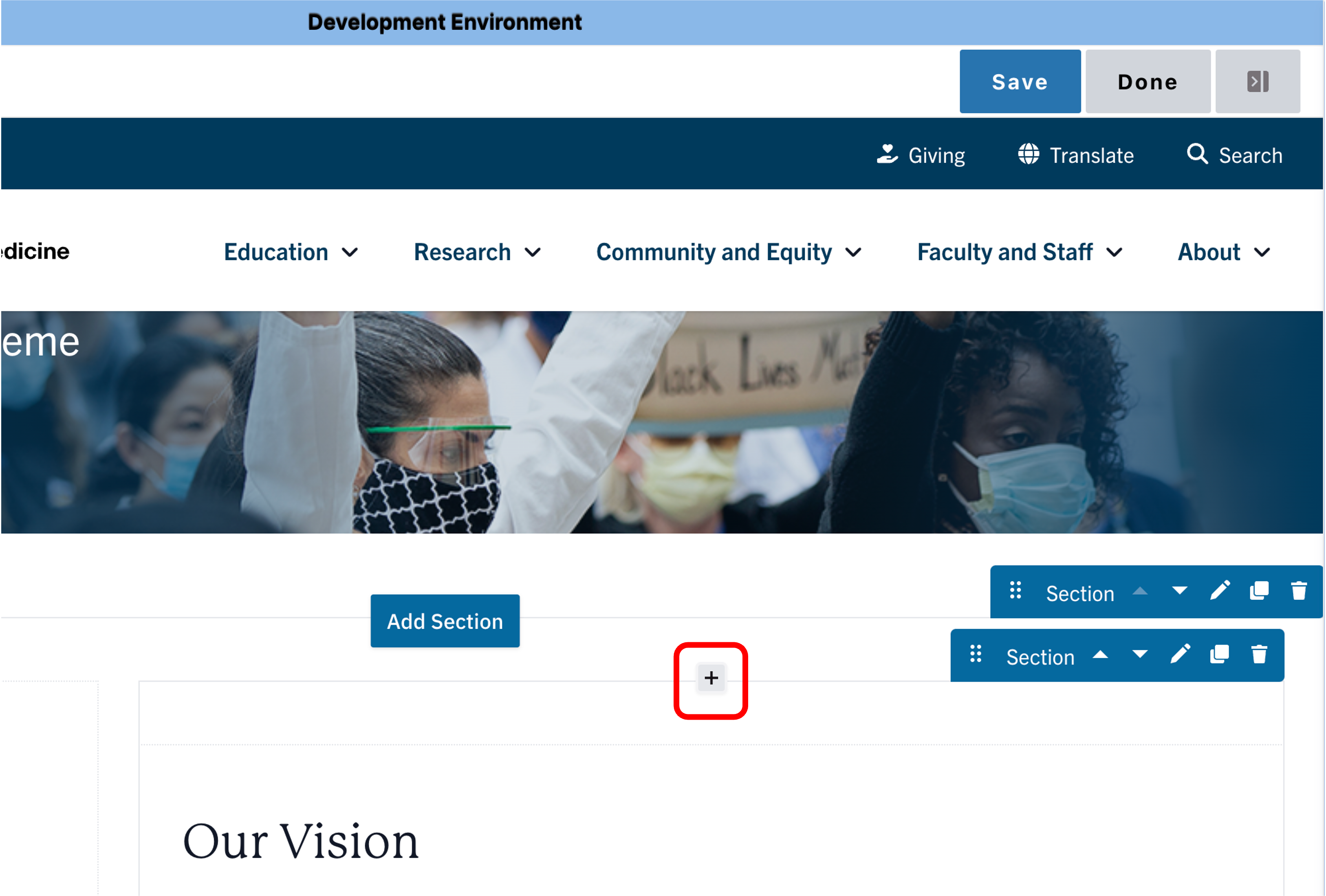
- Move your cursor where you want to place the component.
- Click the plus icon.
- Select Tagboard from the menu

Content
- Enter the Tagboard Embed ID (required).
- Enter the Content title of your Tagboard Embed (optional)
Note: Title field text is limited to 70 characters. - Enter the Content intro of your Tagboard Embed (optional)
Note: Description text is limited to 300 characters

Save
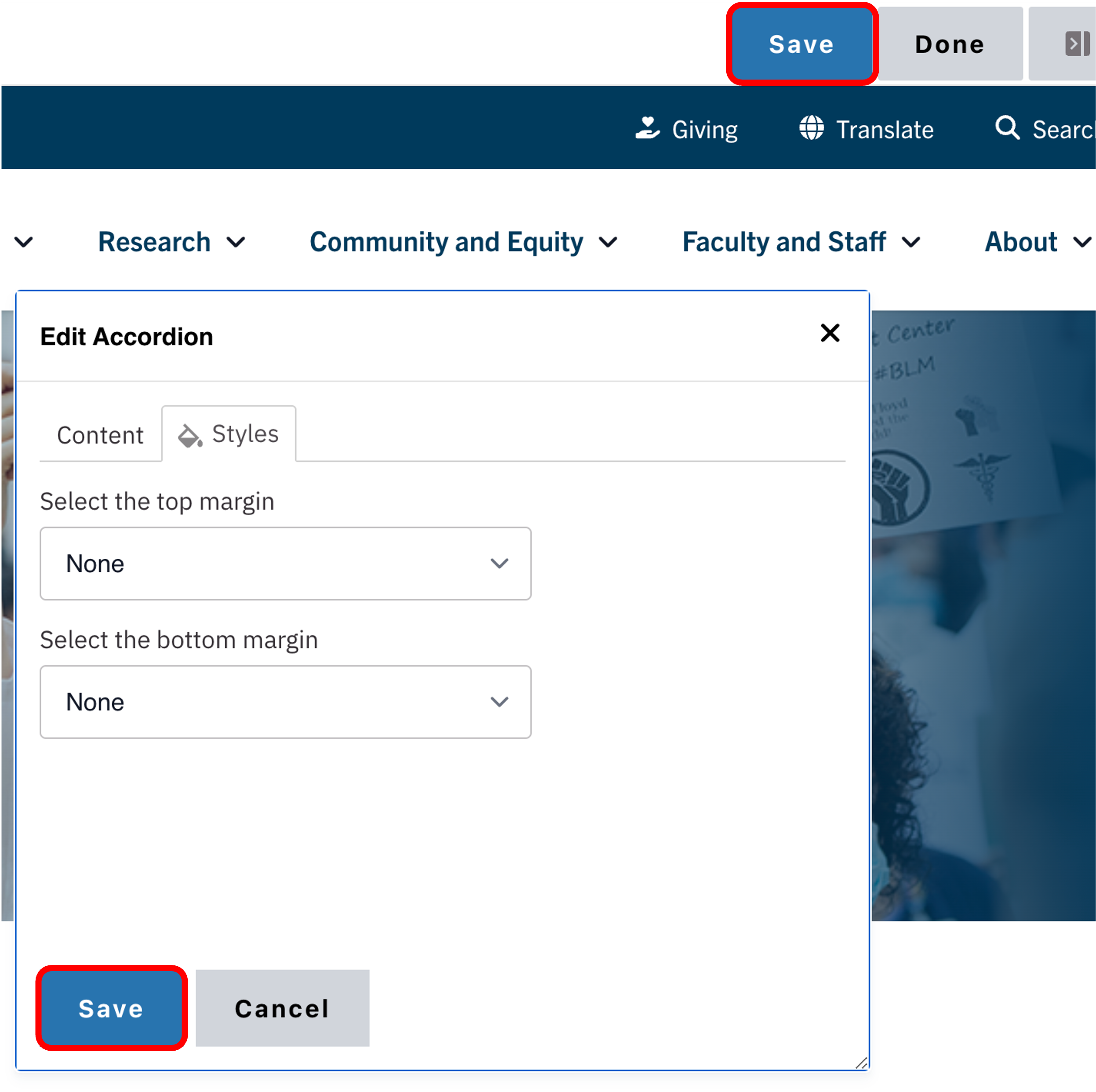
- Click Save.
- Scroll to the top of the page and click Save.
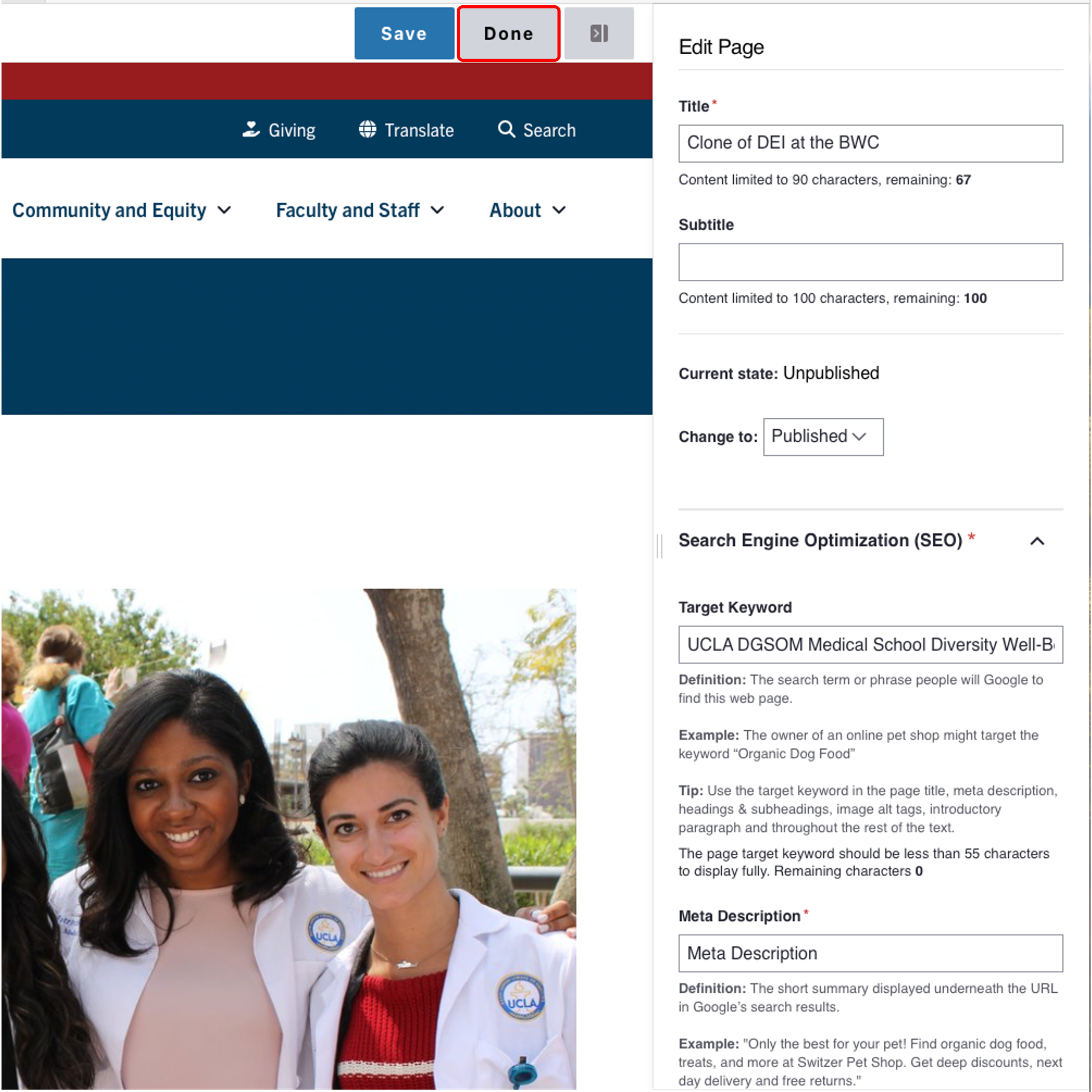
- Click the Done button beside the save button.
Note: This will display the page in the closest representation of how site visitors will view it. All links and actions that are disabled in editing mode will be functional now.